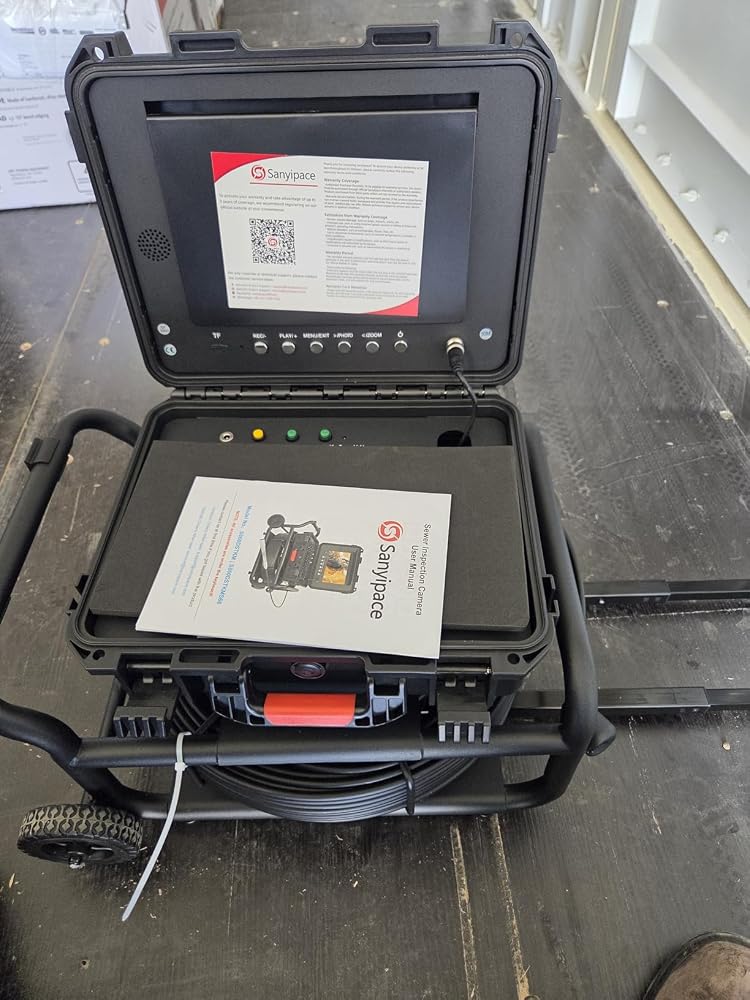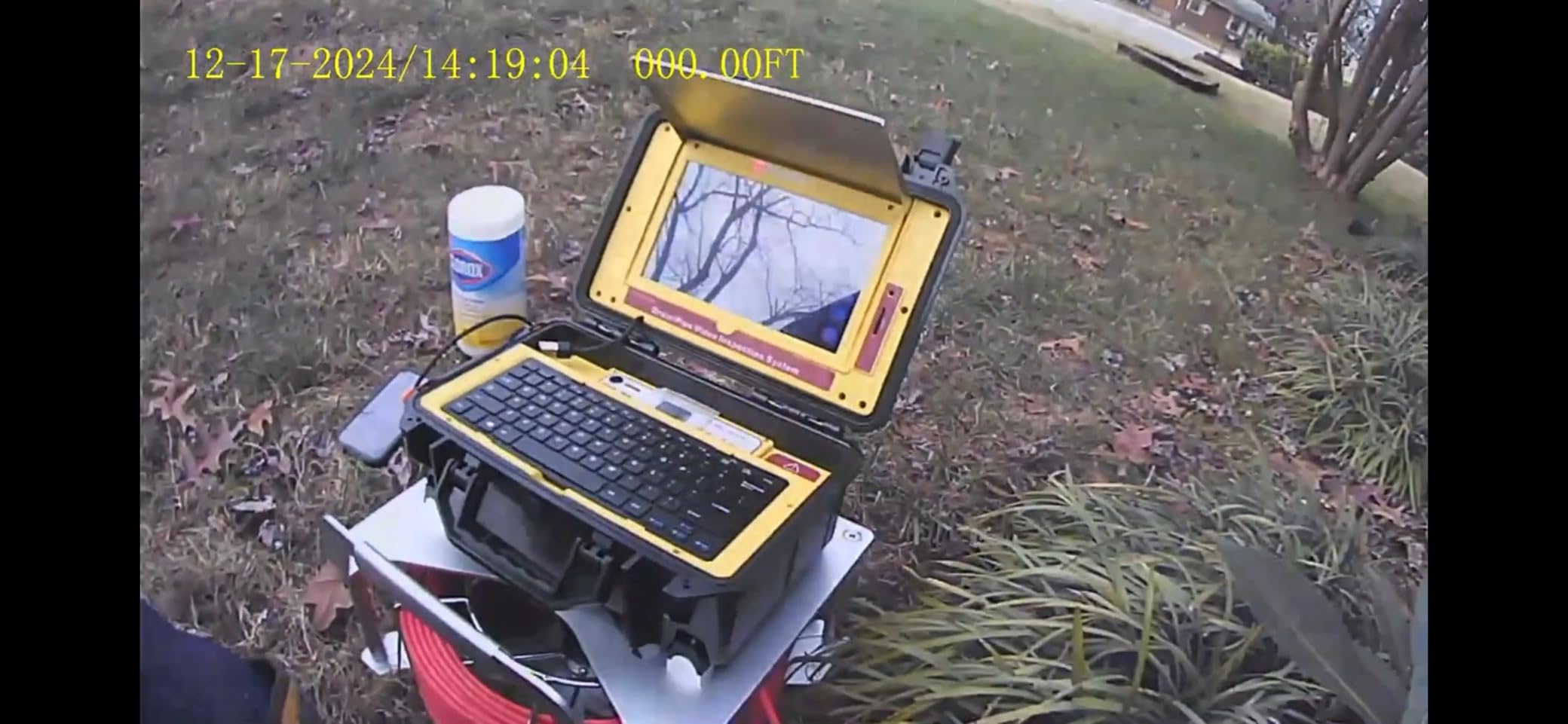
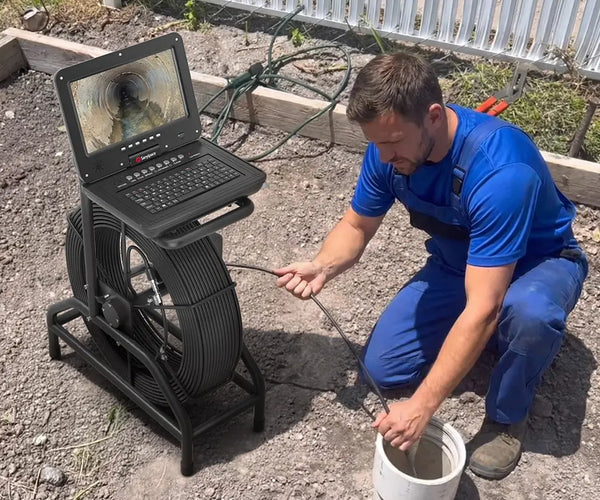
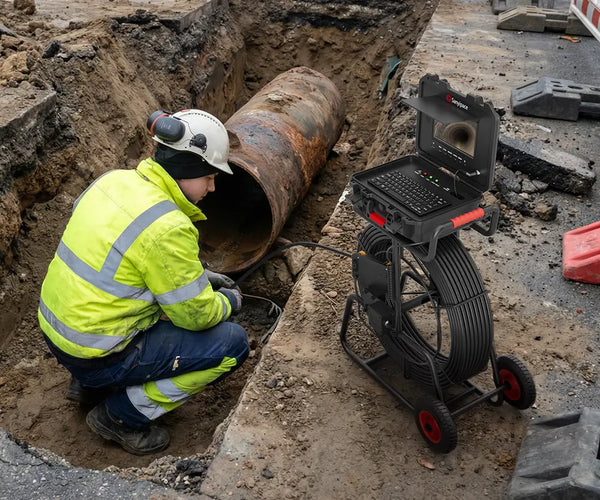
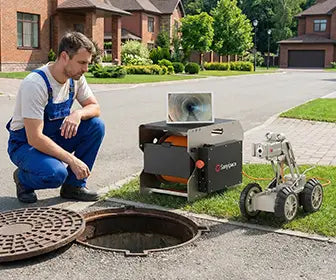
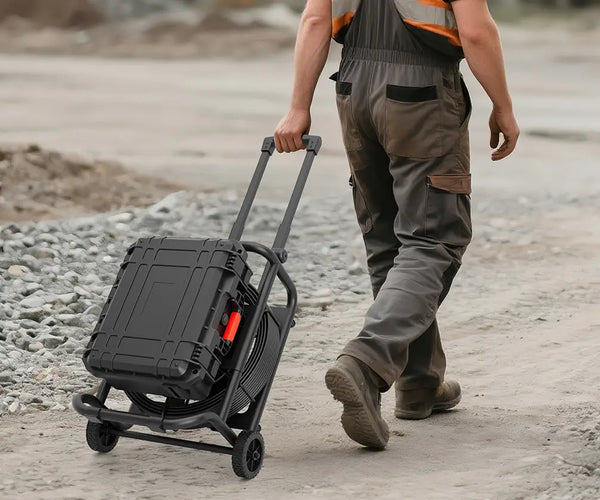
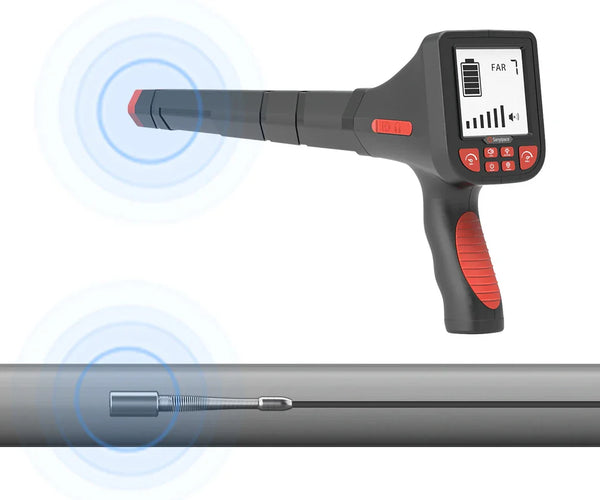




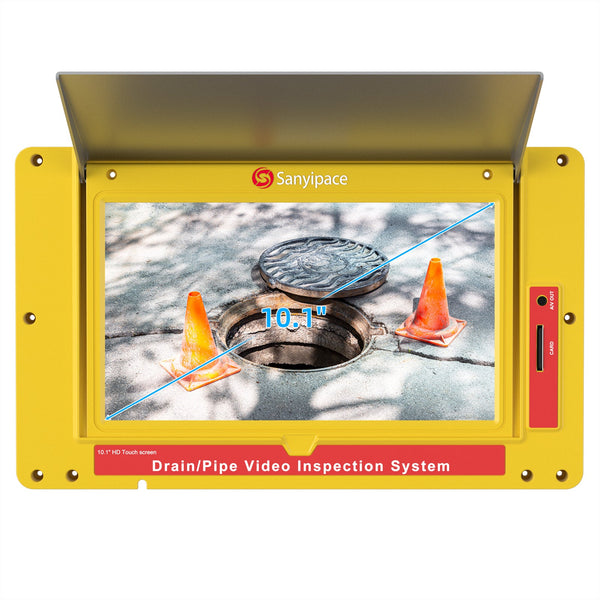
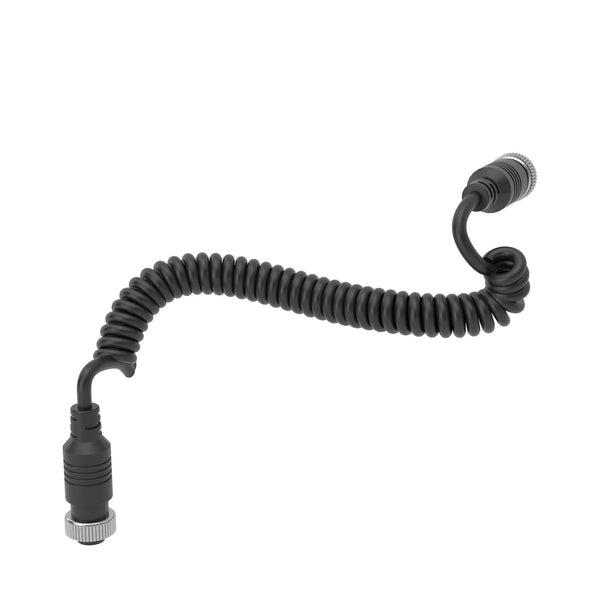
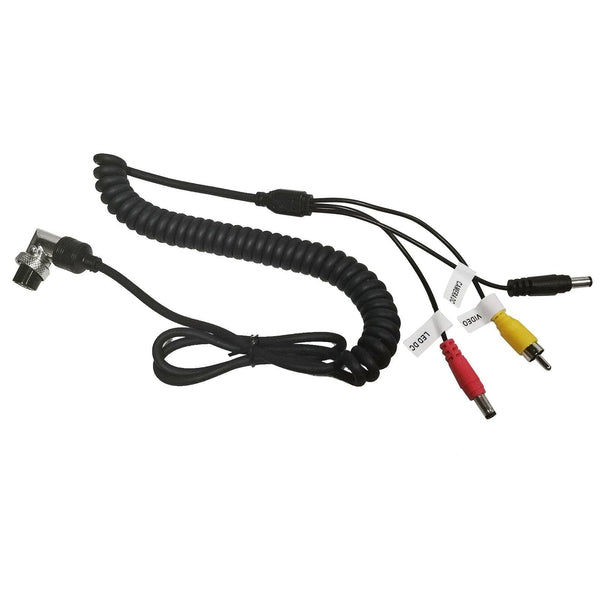

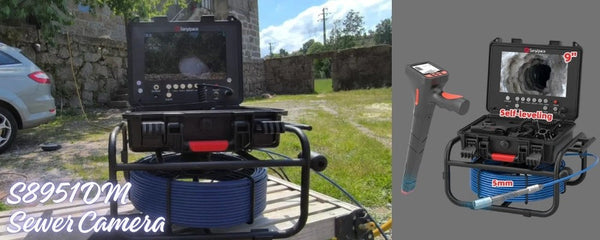
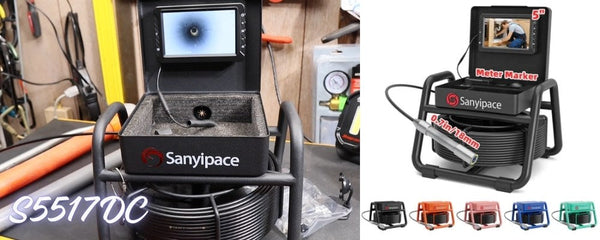
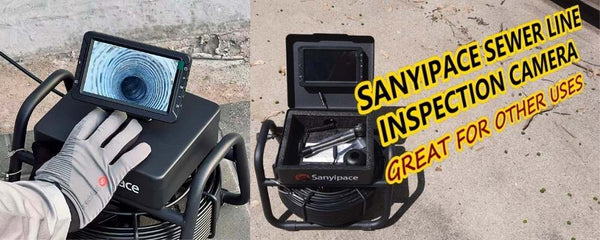
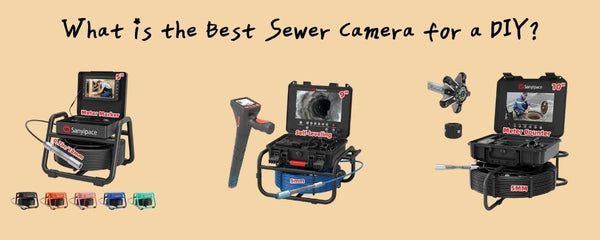










- Turn On
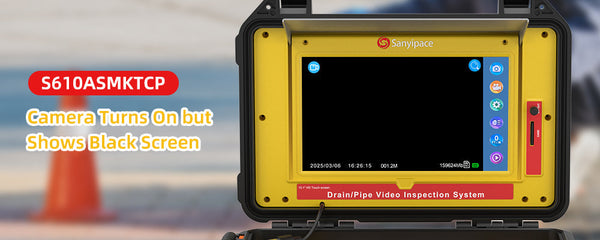
Connect all the cables of the device, turn on the battery switchbuttonandpress the power button on the screen, and the systemstarts.
- Menu Settings (need to exit REC mode):
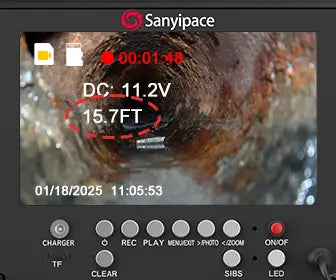
Press the "MENU/EXIT" key to enter the menu settings. Press "<" ">" to select, press "Rec/-" to confirm, and press "EXIT" toreturn.Allow operating time settings/playback function/display settings/videomenu/system settings.
- How to Record Video:
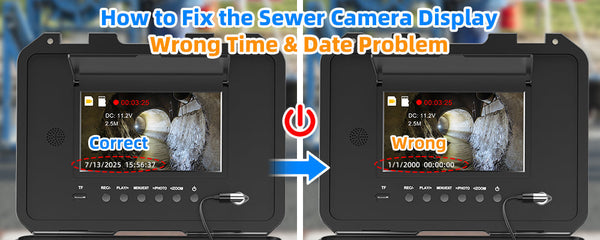
Press "REC/-" to start recording (video with audio), press againtostoprecording.
- How to Playback Images/Videos:
Press "PLAY/+" to enter image browsing mode, and press it againtoswitchto video playback mode. Use the "<" and ">" buttons to select files, andpress "REC/-" to play the selected video. Press "MENU/EXIT" toreturntothe previous menu. To return to the shooting screen, press "PLAY/+" twiceifyou're viewing photos, or once if you're viewing videos.
- How to Take Photos:
Press ">/PHOTO" to capture a photo, press one at a time. - How to Zoom the Image While Recording:
Press "<" to zoom in 0-5 times, press the 6th time to return tonormal (0).
- How to Delete Pictures or Videos:
Press "PLAY/+" to enter photo/video viewing, press ">" to select oneof thepictures or videos, press "MENU/EXIT" and ">" to enter deleteor all deleteoptions, press "REC/-" to confirm, press "PLAY/+" again to exit.
- How to Modify Video Length:
The recorded video will be divided into fixed-length videos andstoredinthememory card, and the default length is 3 minutes. You can adjust it upto10minutes. Press "MENU/EXIT" and ">/PHOTO" to select "VideoMenu", press "REC/-" to change it to 1mins, 3mins, 5mins, or 10mins, andpress"Menu" to exit after setting. - How to Set Recording without Audio:
Press "MENU/EXIT" and ">" to select "System Settings", press"REC/-"toenter sub-options, press ">" to find "Sound Settings", press "REC/-" toadjust turn on or off, press "MENU/EXIT" to quit.

Sanyipace 8TH Anniversary Celebration Starts!
Get Special offer & surprises
Creativity = Cash!
Share your best moments of using the sewer camera