



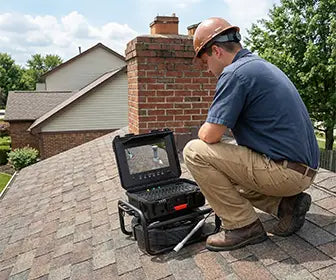
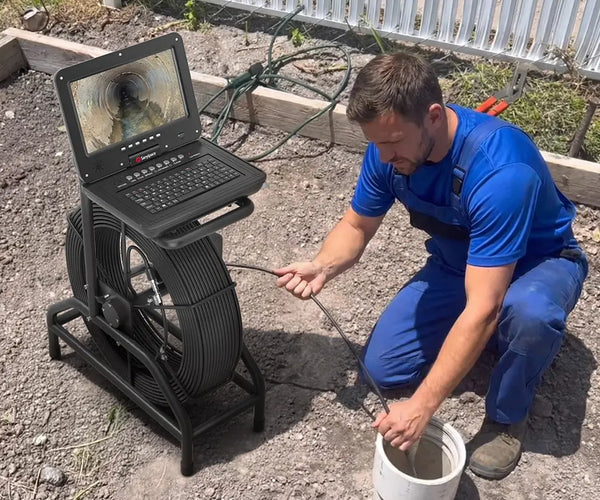
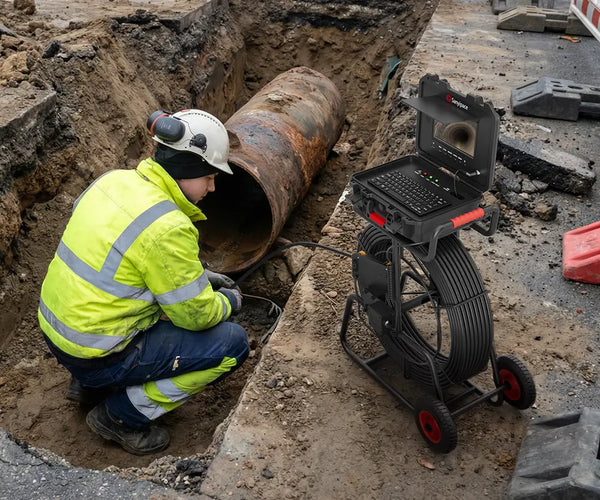
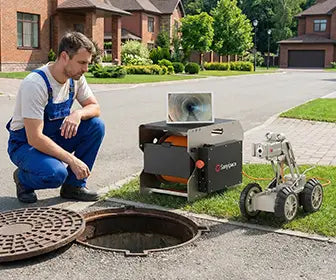



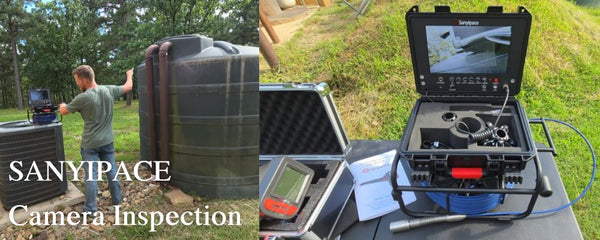
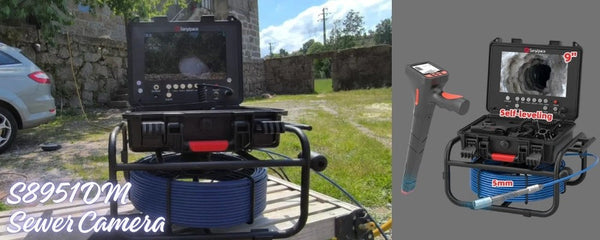
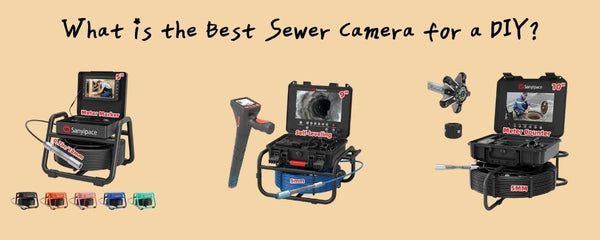
Sewer Line Camera by Sanyipace is Useful for General-Purpose Inspection
This blog post is based on a review video published on YouTube. The following content is organized from the reviewer’s first-person experience during real-world use and reflects personal opinions only.
When I first pulled the Sanyipace S5517DC sewer camera out of the box, my initial thought was pretty simple:
“Okay, this is clearly meant for plumbing inspections.”
But after spending some time with it, I realized this thing is actually useful for way more than just sewer pipes.
Anywhere you can fit a small sewer camera, this tool suddenly becomes useful.
Under a house. Inside a wall cavity. Behind appliances. Engine bays. Drain lines. Tight crawl spaces. Basically, anywhere your head—or your eyes—don’t comfortably fit.
That’s what made it interesting enough for me to actually test.
To be clear, Sanyipace sent this unit over free of charge for review purposes, but as always, this is my honest experience after using it.
And honestly… I ended up liking it more than I expected.

First Impressions and Build Quality
The overall setup is pretty straightforward.
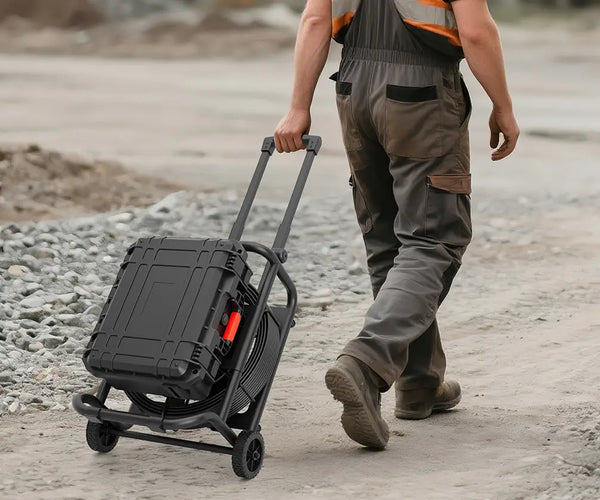
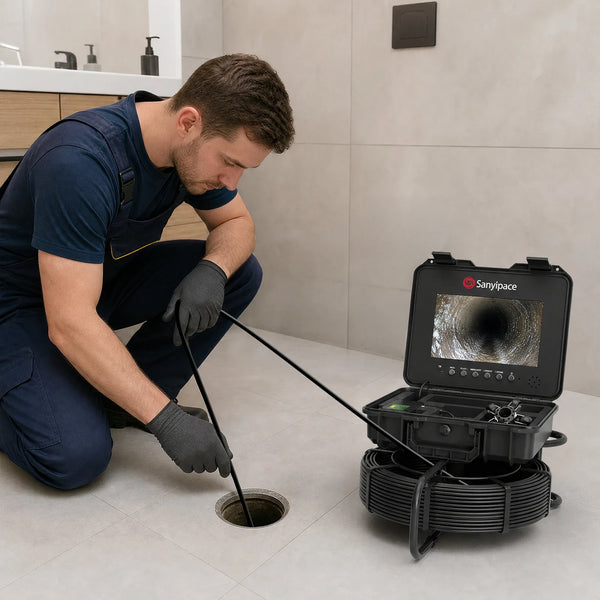
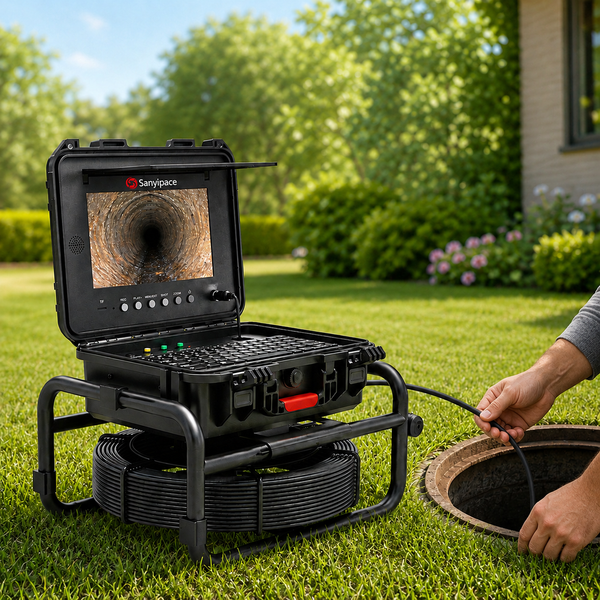
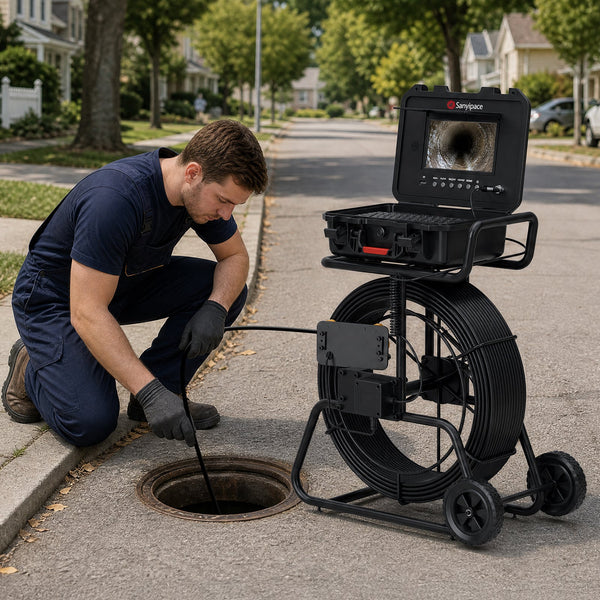
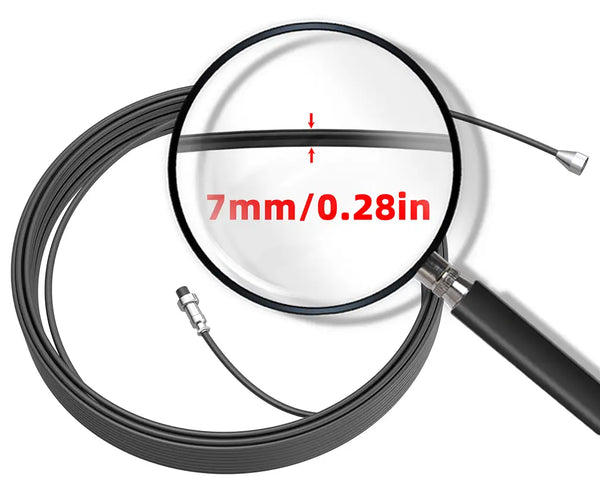
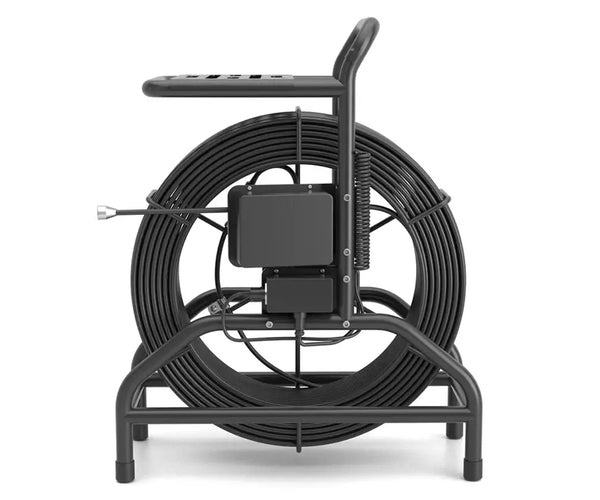
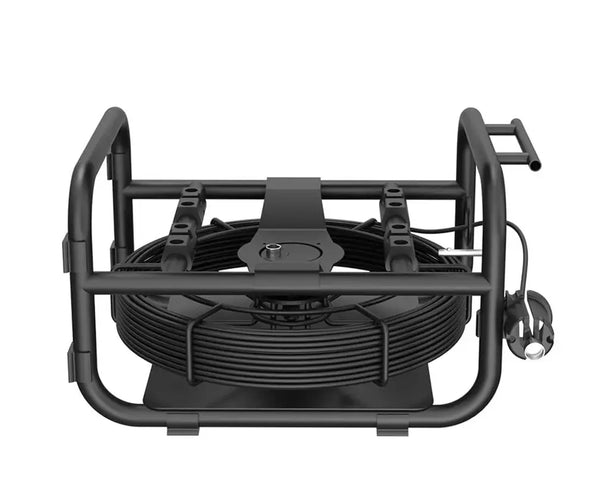
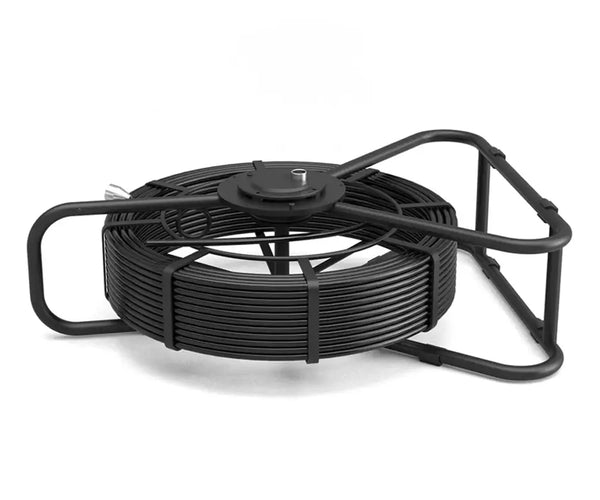
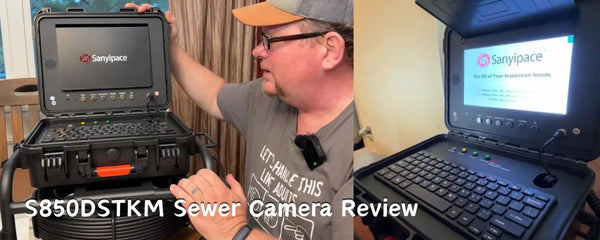
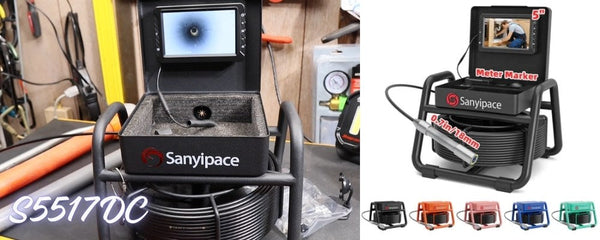
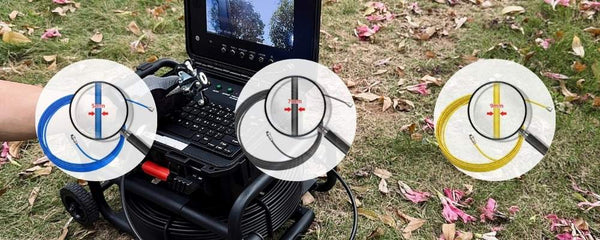
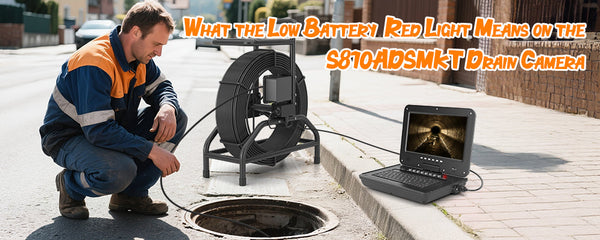
You get a sturdy metal reel with a long coiled inspection cable wrapped around it, plus a detachable monitor mounted on top.
The camera head threads onto the end of the cable, and the whole system feels more solid than I expected for a roughly $200 inspection camera.
Not professional-grade heavy-duty, obviously—but definitely not flimsy either.
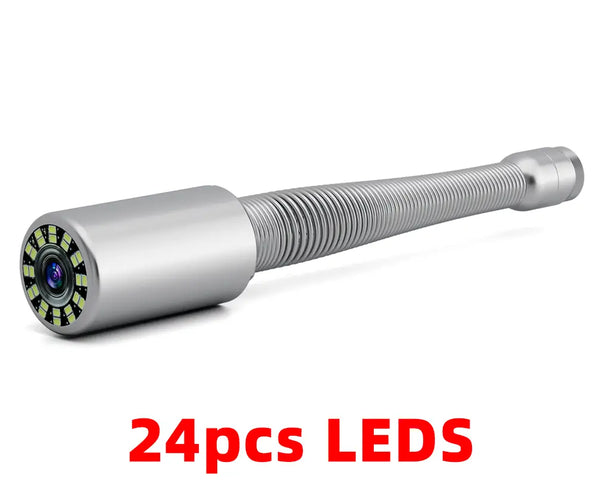
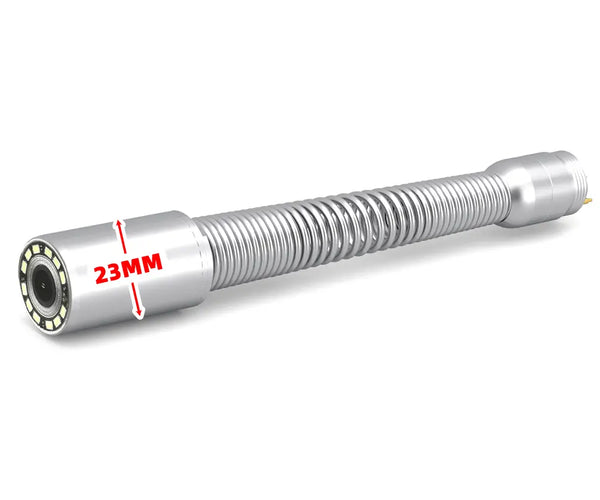
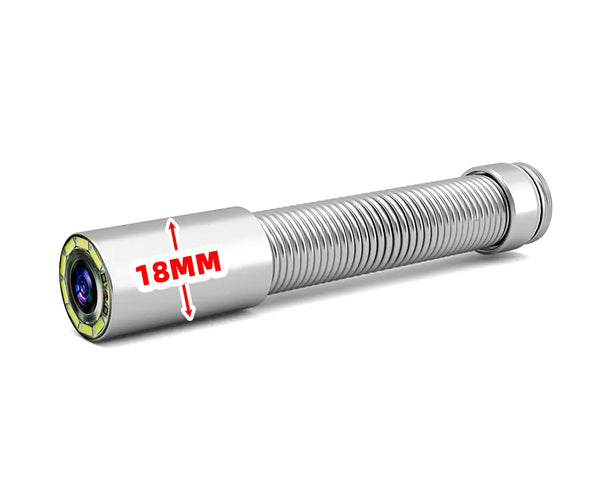
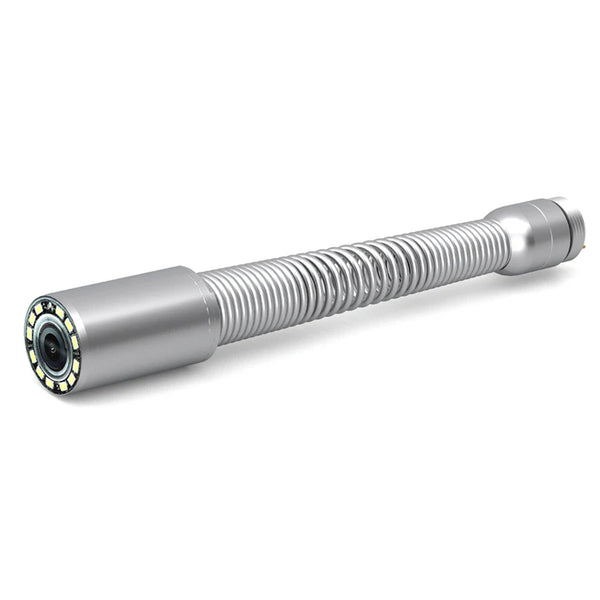
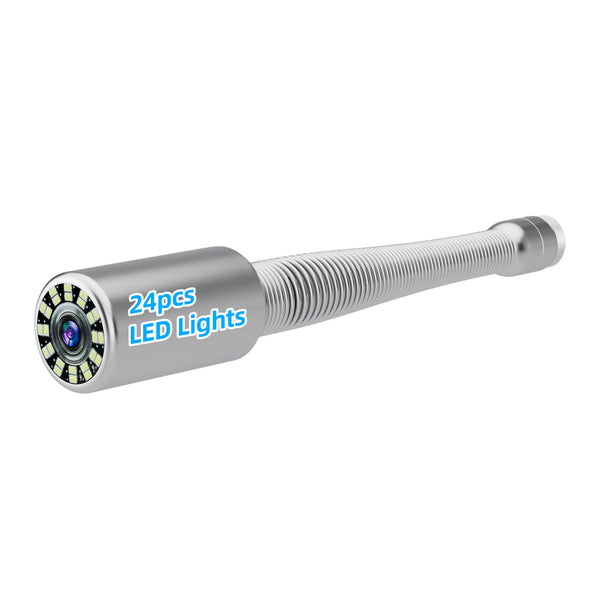
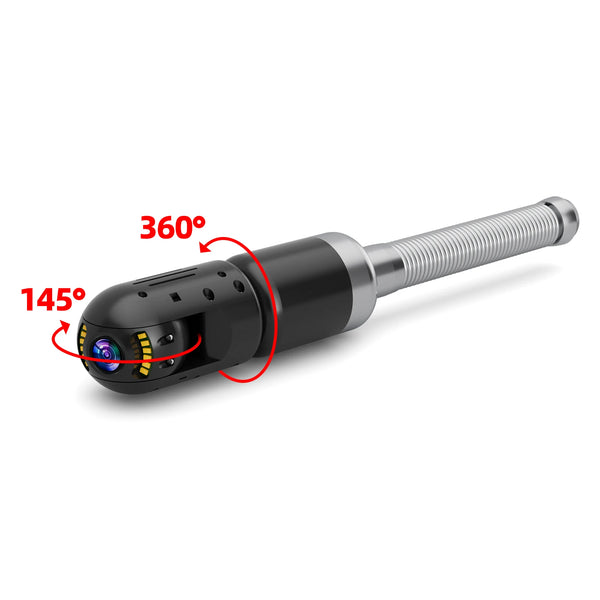
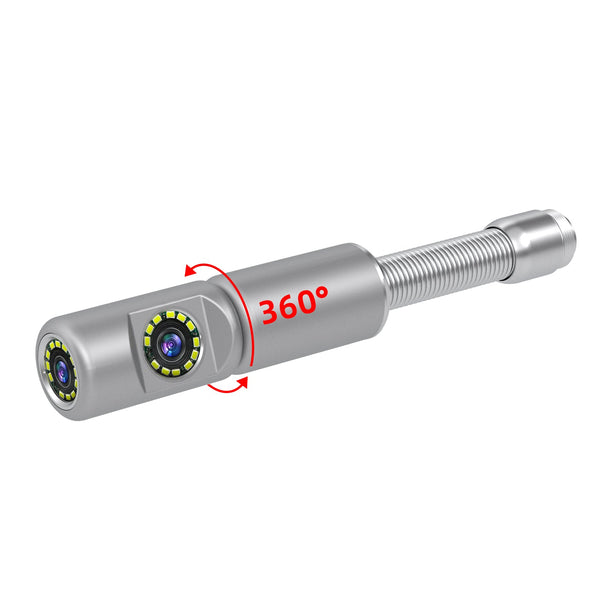
The camera head itself includes:
-
A forward-facing camera lens
-
Adjustable LED lights surrounding the lens
-
A flexible spring section for bends and elbows
-
Pogo pin connectors that screw securely into place
That flexible spring section actually matters more than I expected. Once the camera starts moving through pipe bends, you quickly realize how important flexibility is.
And surprisingly, it handled turns fairly well.
Accessories Included
The accessory kit is simple, but honestly pretty practical.
Inside the case, you get:
-
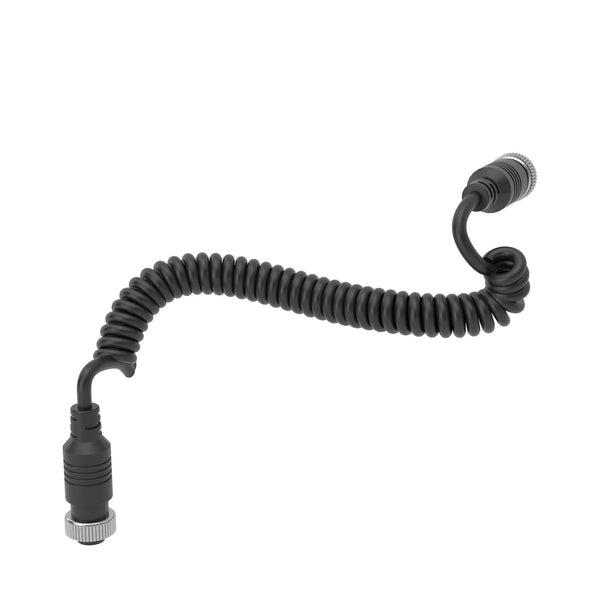
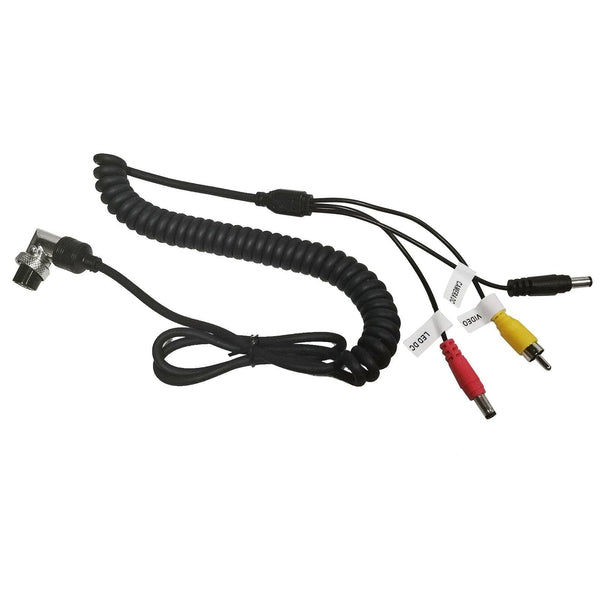
A short pigtail cable
-
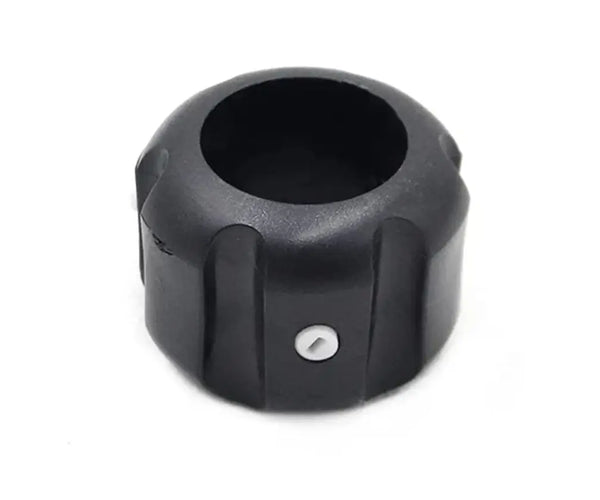
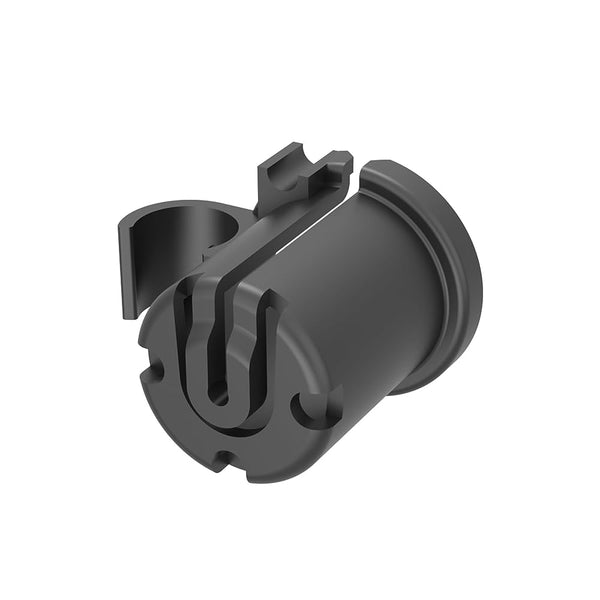
Multiple guide collars/skids
-
Tiny screwdrivers
-
Spare waterproof O-rings
-
A 32GB microSD card
The collars turned out to be more useful than I originally thought.
At first, they looked like cheap little add-ons, but once I started pushing the sewer camera through pipe transitions, they actually helped prevent the camera head from snagging on edges.
Without them, the sewer camera catches much more easily.
So yeah—they’re not just filler accessories.

One Early Criticism: The Pigtail Cable Is Too Short
One issue became obvious immediately.
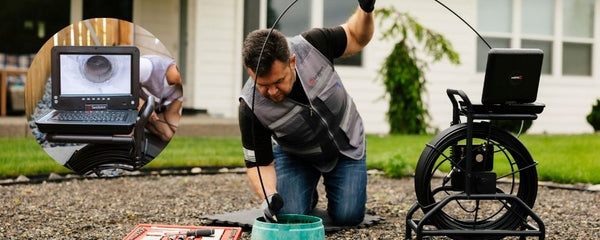
I removed the screen from the reel and connected it directly to the drain camera using the included pigtail lead. This works, but the cord is simply too short.
If you’re inspecting something like a car engine bay and want one hand on the screen while maneuvering the sewer camera with the other, this lead really should be at least a meter long.
That feels like a missed opportunity.
Screen, Controls, and Features
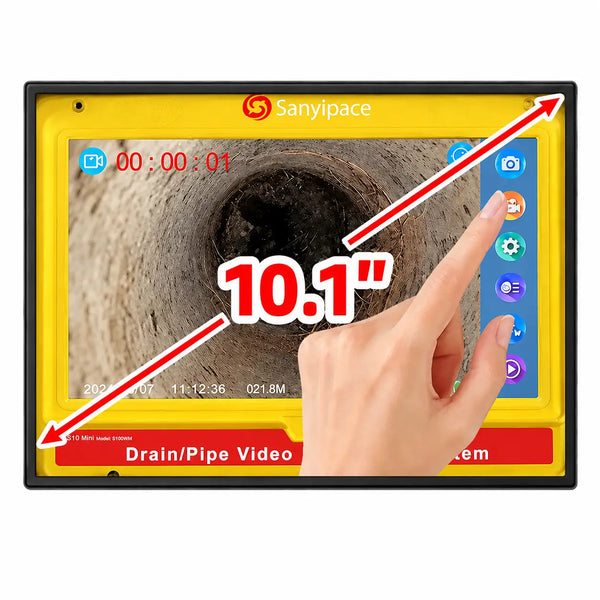
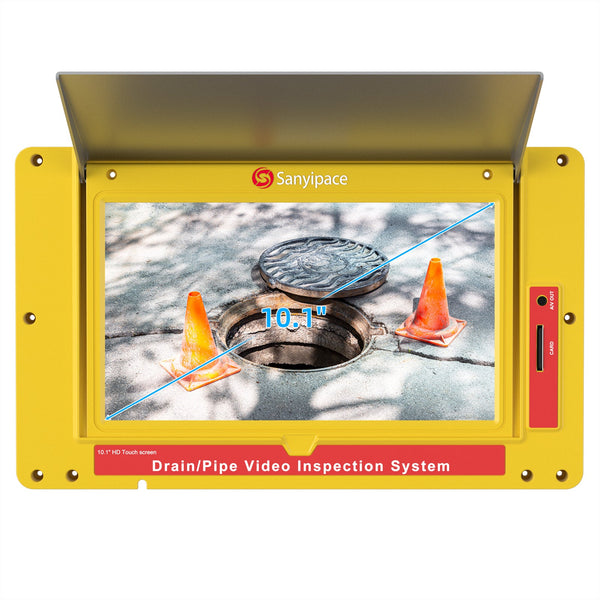
The monitor itself is fairly basic, but easy enough to use.
You get:
-
USB-C charging
-
Physical control buttons
-
Built-in speaker
-
Audio recording during video capture
-
Included 32GB microSD storage
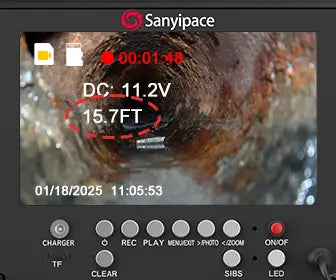
One feature I genuinely liked was the distance markings printed along the cable.
That’s actually incredibly useful when inspecting long runs because you can estimate how far into the pipe you’ve gone.

Especially for homeowners trying to locate problem areas, that’s more useful than it sounds.
Recording is simple too:
-
Hold OK to start video recording
-
Tap OK for snapshots
-
Use plus/minus buttons to control LED brightness
Menus are pretty standard:
-
Playback
-
Recording settings
-
Loop recording
-
Date/time setup
-
Language settings
-
SD formatting
Nothing fancy, but easy enough to figure out without reading a manual for half an hour.

A Major Annoyance: Extremely Loud Sound Effects
Now, for one of my bigger complaints.
The startup tones, button clicks, and shutter sounds are absurdly loud.
Every press makes a sharp, over-the-top sound, and I could not find a way to disable or reduce the volume.
If Sanyipace ever updates the firmware, reducing that sound volume would be one of the first things I’d recommend.
It’s genuinely annoying.
Focus and Image Quality
This is a fixed-focus camera.
From testing, sharp focus seems strongest around 10 cm, and image clarity begins to soften somewhere around half a meter.
That makes sense—it’s designed for close-range pipe inspection.
Image quality is decent for the price, though video and stills can look somewhat grainy.
Still, for a budget inspection scope, it gets the job done.
 Real-World Pipe Test
To test it properly, I ran the camera down a pipe at my parents’ house.
Their sump discharge line had reportedly been overflowing, suggesting a possible blockage.
Navigating the Pipe
First attempt, I ran into resistance at a transition point.
After pulling back and installing a larger guide collar, I was able to get around the bend much more smoothly.
That alone showed those collars aren’t gimmicks—they help.
Eventually, I pushed roughly:
- 20 meters (around 70 feet) into the line
- On a 30-meter (100-foot) cable
At that point, resistance became too much to continue.
Given the property only extended about 40 feet to the curb, I was already well beyond the critical section.
What I Observed
I didn’t find a clear blockage on the property.
There were:
- Pipe transitions
- Some minor debris
- Bends create push resistance
No obvious obstruction is causing failure. I never quite reached the storm sewer connection, but the inspection still proved valuable.
 What I Liked
For around $200, I actually think this thing makes sense for a lot of homeowners.
Calling a plumber for a sewer camera inspection can easily cost several hundred dollars, depending on where you live.
This costs less than many single inspection visits.
And if you own an older house, deal with recurring drainage issues, or just like solving problems yourself, I can absolutely see this becoming one of those tools you’re glad to have once or twice a year.
What stood out to me most:
-
Easy to operate
-
Good cable length
-
Useful distance markings
-
Flexible camera head
-
Helpful accessories
-
Audio/video recording
-
Decent real-world usability
Most importantly:
It actually does what it claims to do.
That alone already puts it ahead of a lot of cheap inspection gadgets online.
What Could Be Better?
My criticisms are fairly minor, but worth mentioning.
1. Longer Handheld Lead Needed
The detachable pigtail cable should be much longer.
A one-meter flexible lead would make this much more useful for non-pipe inspections.
2. Sound Effects Are Ridiculously Loud
This one bears repeating.
They need volume control.
3. Image Quality Is Somewhat Grainy
Not terrible, but improved resolution would be welcome.
That said, this is a $200 unit—not a $2,000 professional inspection system.

Final Verdict
After actually using the Sanyipace S5517DC in a real inspection scenario, I came away thinking it’s a genuinely useful DIY tool.
No, it’s not a professional sewer inspection system.
And yes, you can definitely see where corners were cut to keep the price low.
But it works.
And honestly, that matters more than fancy marketing specs.
If you’re a homeowner, DIYer, hobby mechanic, or someone who occasionally needs to inspect hard-to-reach spaces without paying a plumber every single time, this thing offers pretty solid value for the money.
Would professionals buy this over a multi-thousand-dollar inspection system?
Probably not.
But that’s not really who this product is for.
For homeowners and light-duty inspections, it gets the job done surprisingly well.
And for around $200, that’s honestly hard to complain about.

Closing Thoughts
My minor complaints aside, I kind of like this thing.
It’s simple.
It’s useful.
And it solved a real problem during testing.
As for the absurdly loud button sounds…
Well, I guess it wouldn’t quite feel like a budget gadget without at least one weird quirk, right?


Leave a comment