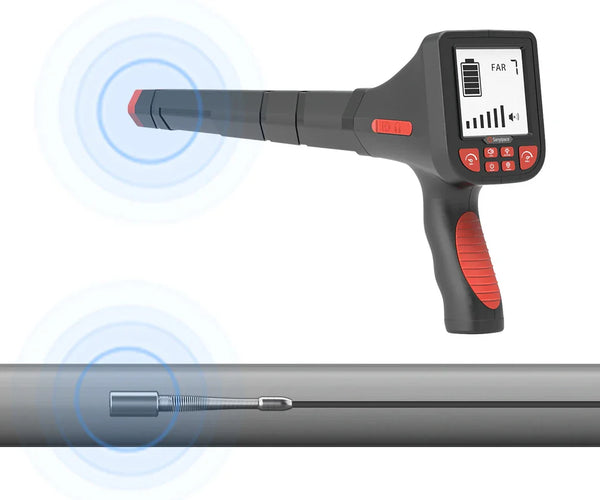

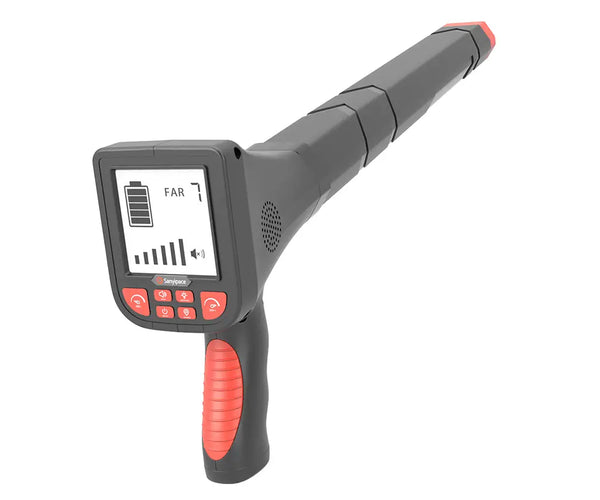
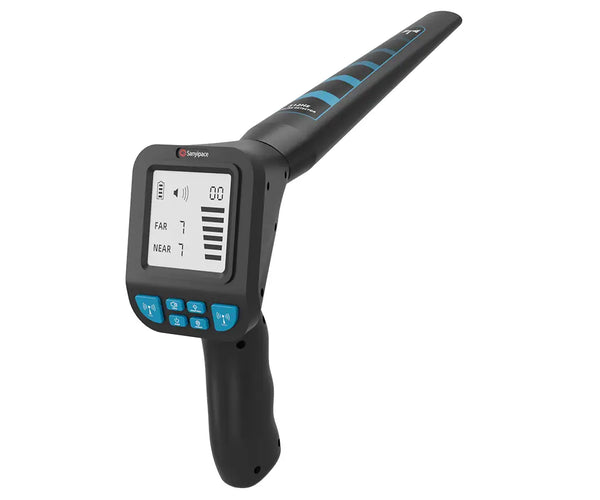










①Sensitivity reduction adjustment
②Sensitivity enhancement adjustment
③4-level volume adjustment (including mute)
④2-level screen brightness adjustment
⑤Switch on/off
⑥Far/Near mode switching
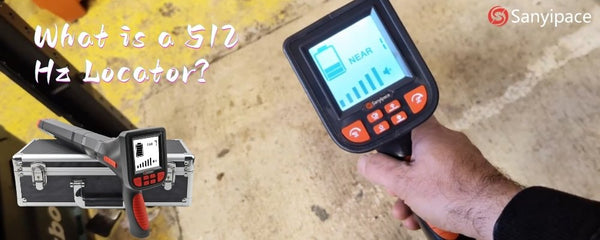
Screen Size: 3 inch
Screen Operation: Press buttons
Receiver Frequency: 512Hz
Power Consumption: <3W
Detect Mode: Far/ Near
Maximum Detection Range: Far Mode: Approx. 6 m (19.7 ft);
Near Mode: Approx. 3 m (9.8 ft)
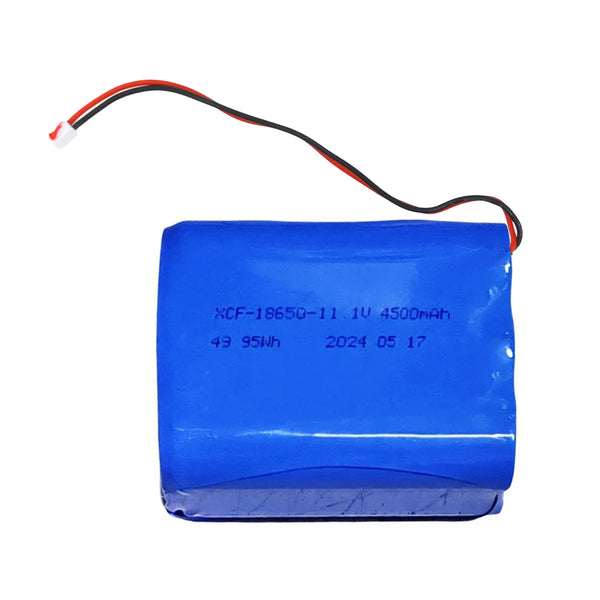
Battery: 3.7V 3000mAh built-in lithium battery
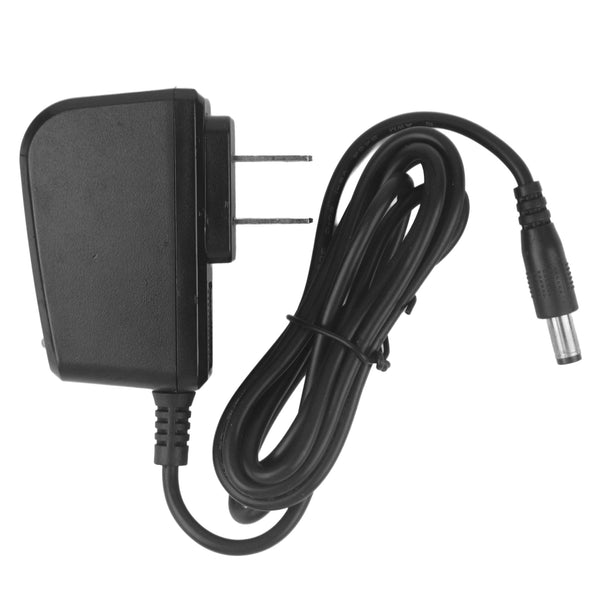
Charger: 5V 2A
Charger Time: About 4-5 hours
Battery Indicator: 4bar
Battery Working Time: About 10 hours
Signal Strength: 7gear
Sensitivity Adjustable: Support
Speaker: Support
① Press and hold to turn on the locator.
② Set the mode to “Far.” Press the “SEN+” button to adjust the sensitivity to the maximum value (7). You will hear noise from the speaker. (You can adjust or turn off the volume by pressing the “SOUND” button.)
③ Hold the receiver and walk around the area where you want to estimate the location, slowly sweeping it back and forth.
④ When the correct direction of the transmitter is detected, the signal will become stronger; otherwise, it will become weaker.
⑤When the signal display is full, slowly reduce the sensitivity by pressing the “SEN‑ ” button.
⑥ Keep the receiver parallel to the ground and slowly move closer to the transmitter. When the sensitivity is adjusted to the minimum value (1) and the signal display remains full, switch the mode to “Near.”
① Use the steps above to find the approximate location of the transmitter and switch the mode to “Near.”
② Press the “SEN+” button to adjust the sensitivity to the maximum value (7). Hold the receiver and slowly sweep it back and forth within the approximate transmitter location. The closer you are to the exact transmitter location, the stronger the signal will be; otherwise, it will become weaker.
③ When the signal is displayed at its strongest, slowly lower the sensitivity by pressing the “SEN‑ ” button.
④ When the sensitivity is adjusted to the minimum value (1) and the signal display is still at its strongest, pinpoint the transmitter as follows: find the spot where the signal is strongest, then hold the locator with its handle
vertical to the ground. The transmitter will then be located within about 0.8 m (2.6 ft) of that spot.
1. Loosen the locking knob.
2. Adjust the handle to the desired angle.
3. Firmly tighten the knob to secure the angle of the handle.
Note:
1. If you need to readjust the handle angle, always loosen the locking knob first.
2. After tightening the knob fully, loosen it by a half turn to prevent overtightening.
1 *Zippered Carrying Case
1 *Locator
1 *Instruction Manual
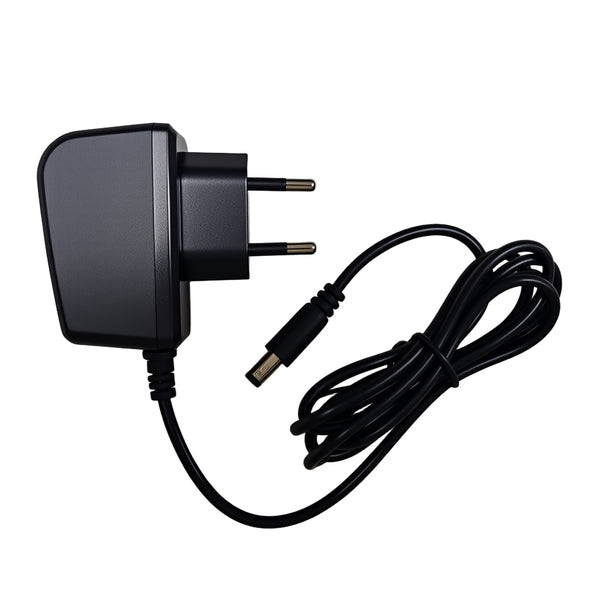
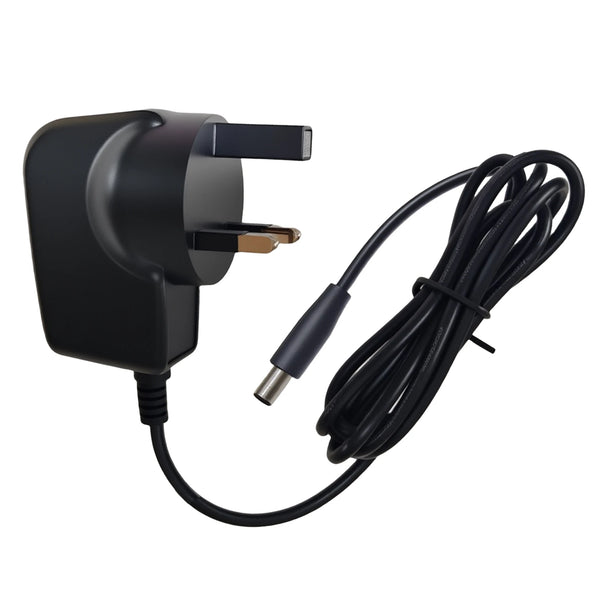
1 *Charger
1 *Earphones