











What is the Best Sewer Camera for a DIY?
Slow drains or recurring clogs often require a costly professional diagnosis. In 2025, a professional sewer camera inspection costs an average of $999, with most homeowners paying between $270 and $1,730, and fees reaching as high as $6,000 for complex properties.
In contrast, an entry-level DIY camera like the Sanyipace S5517DC costs approximately $200, meaning it pays for itself after just one use. These tools empower you to identify issues such as tree root intrusions or pipe cracks early, potentially saving you from major excavation and line-replacement projects that can cost up to $40,000. This guide compares the best Sanyipace sewer camera models for DIY use to help you avoid expensive service fees and take control of your home’s plumbing maintenance.
Market Context and Technical Necessity
Underground pipes are susceptible to a range of failure modes, including tree-root intrusion, structural collapse, grease accumulation, and "bellies" (low spots where water pools due to soil settlement). Traditional diagnostic methods often relied on guesswork or destructive excavation. Modern video inspection tools eliminate these risks by providing non-destructive, real-time visual evidence of pipe conditions.
|
Feature Comparison |
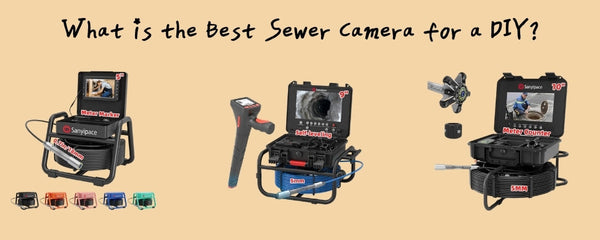
S5517DC (Beginner) |
S8951DM (Intermediate) |
S840DSM (Professional) |
|
Monitor Size |
5-inch 1080P LCD |
9-inch HD IPS |
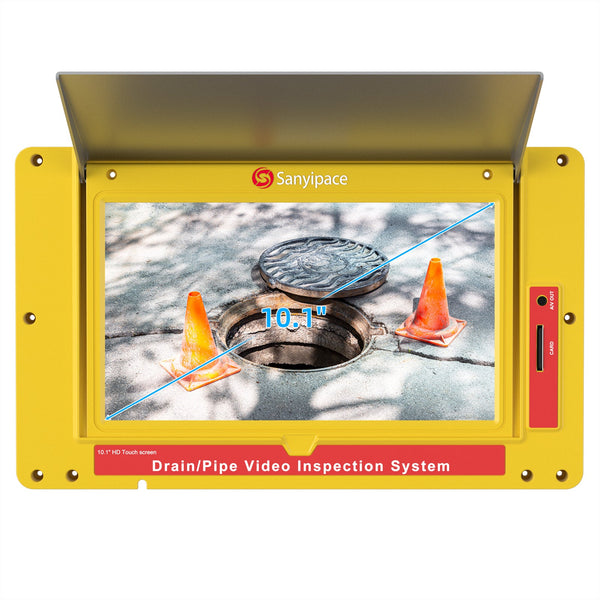
10.1-inch HD IPS |
|
Probe Diameter |
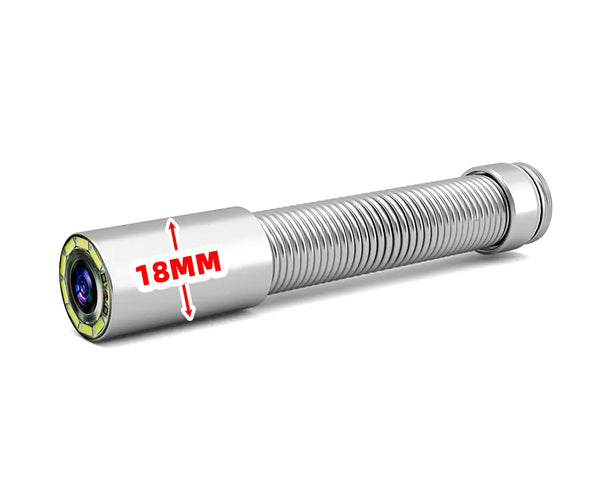
18 mm (0.71 in) |
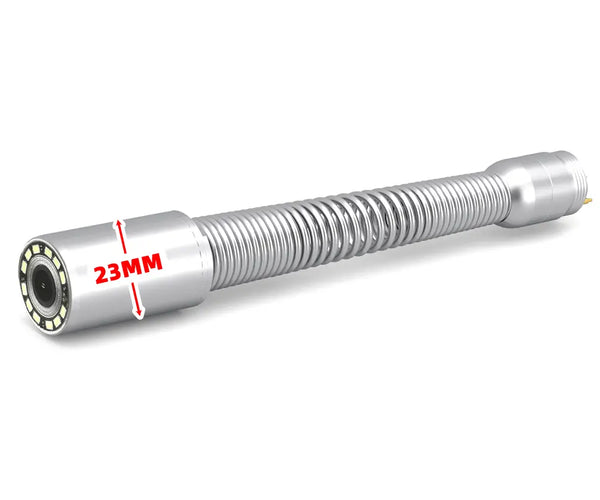
23 mm (0.9 in) |
23 mm (0.9 in) |
|
Self-Leveling |
No |
No |
Yes |
|
Sonde (512Hz) |
No |
Optional |
Built-in |
|
Price Point |
199.99 - 269.99 USD |
599.99 - 1,149.99 USD |
659.99 - 899.99 USD |
Sanyipace S5517DC (The Best Entry-Point)

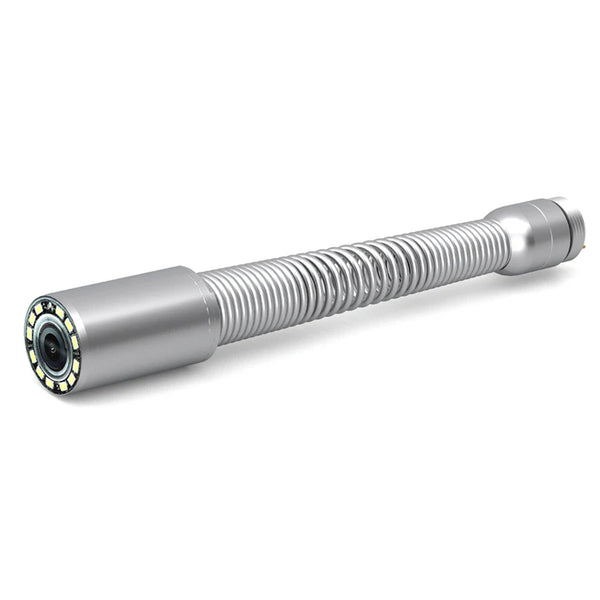
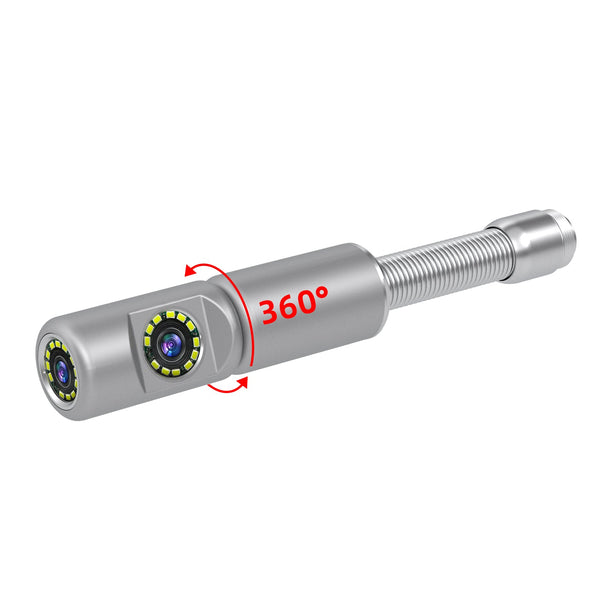
The Sanyipace S5517DC sewer camera is equipped with a highly compact 18 mm (0.71-inch) camera head. This small profile enables it to flexibly navigate 22 mm (0.87-inch) pipes and pass through 90-degree elbows in 2-inch (52 mm) pipes. It's built-in "Near Focus Lens" ensures images remain sharp and clear even in the extremely confined space of a 2-inch pipe.
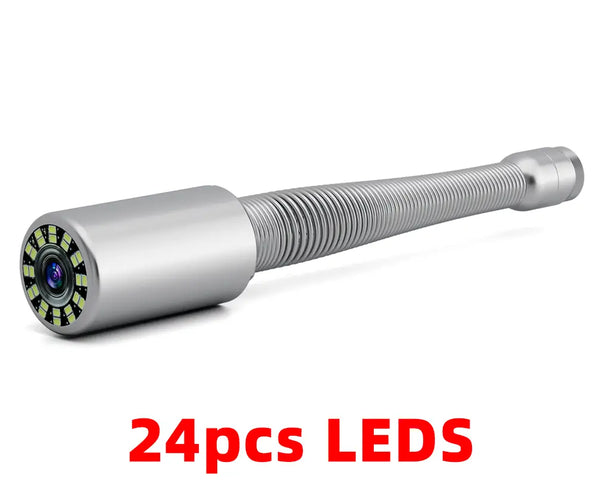
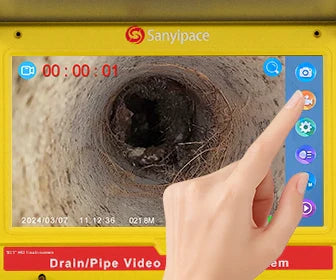
Unlike professional rigs that require a steep learning curve, the S5517DC is an "all-in-one" system that is ready to use within 30 minutes of unboxing. It features a 5-inch integrated screen, 8 adjustable LED lights, and supports video recording to a 32GB SD card. Additionally, it is the only model in the series to offer a range of colors, including Black, Blue, Green, Orange, and Pink.
For most DIY enthusiasts, the S5517DC achieves the ideal balance between portability and utility. Its design is specifically tailored to handle the complex bends and narrow diameters commonly found in residential plumbing systems.
Sanyipace S8951DM (High-Definition Diagnostics)

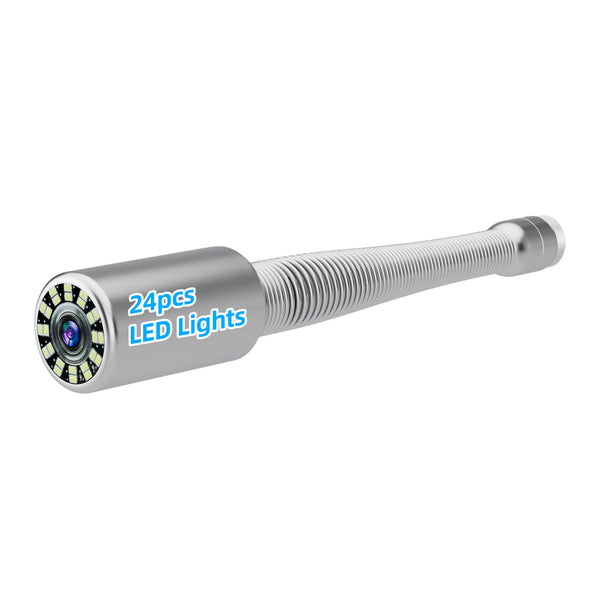
The Sanyipace S8951DM sewer camera is an inspection device equipped with a 9-inch HD IPS display featuring glare-resistant technology—essential for outdoor environments where sunlight typically washes out standard LCD screens. The IPS panel provides significantly wider viewing angles, allowing multiple people to observe the inspection results simultaneously.
Furthermore, the Sanyipace S8951DM features a 5x digital zoom, allowing users to inspect hairline cracks or tree-root intrusions without moving the probe. The built-in microphone and speaker also allow users to record voice notes directly onto the inspection video, a feature highly valued for professional-grade documentation and reporting.
When DIY tasks involve outdoor main lines or require highly detailed inspection reports for insurance companies or contractors, the S8951DM is the premier choice due to its superior pipe visualization and clarity.
Sanyipace S840DSM (The Professional Standard)

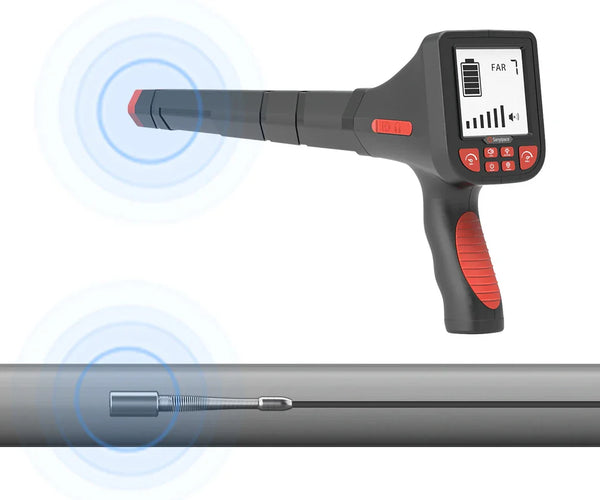
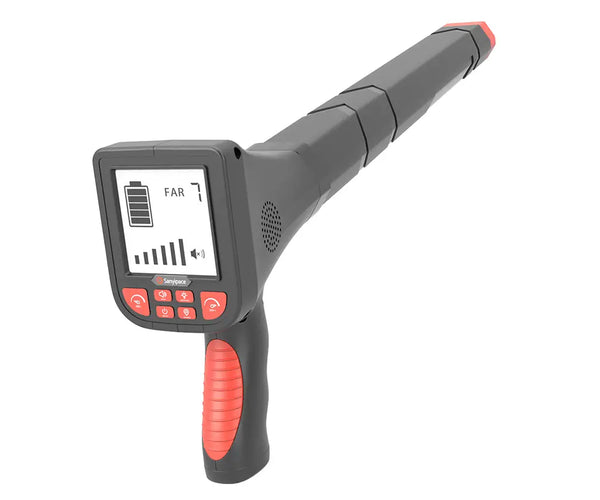
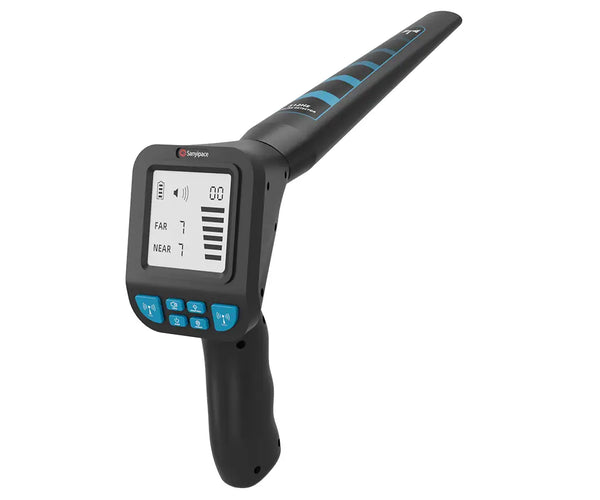
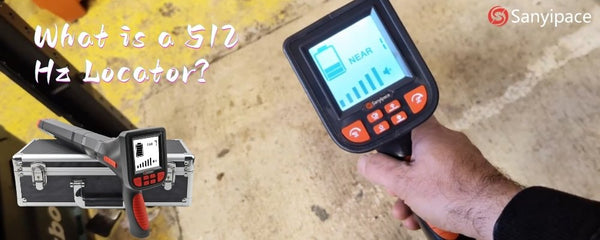
The Sanyipace S840DSM features a built-in 512Hz transmitter (sonde), allowing users to precisely pinpoint the camera head's exact underground location when paired with a 512Hz receiver.
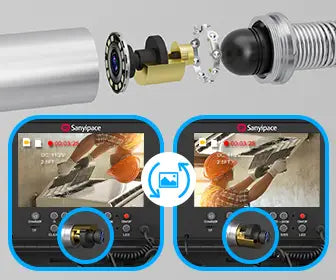
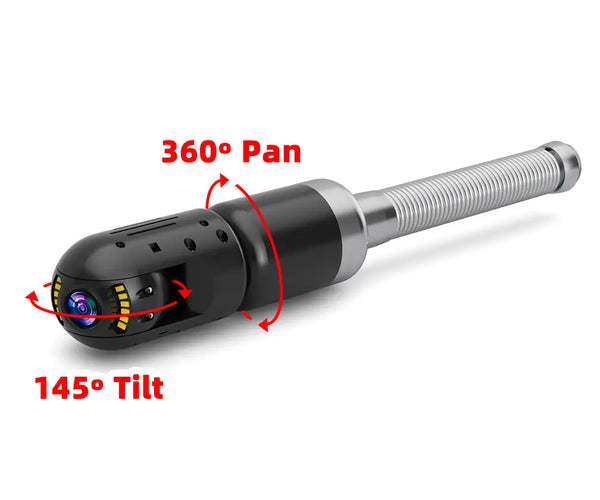
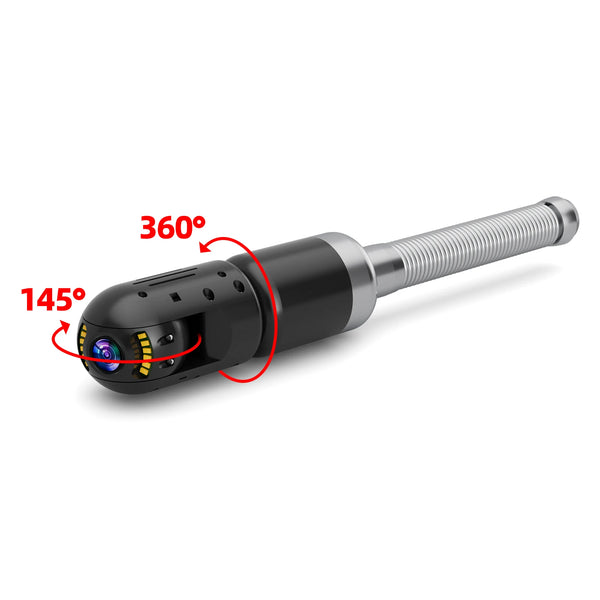
It is also equipped with a self-leveling camera head that utilizes a gravity sensor to keep the image perfectly upright at all times. This allows operators to instantly identify the "bottom" of the pipe (the flow line), making it significantly easier to diagnose structural issues such as improper slopes or "bellies" (low spots where water pools).
While systems with these advanced professional features typically retail for over $1,000 on the market, Sanyipace remains committed to providing high-performance solutions for budget-conscious users, offering this flagship model for only $660.
Key Features and Specifications of the Sanyipace S840DSM:
-
Display: 10.1-inch ultra-large HD IPS screen for superior clarity.
-
Self-Leveling: Automatic image orientation for intuitive navigation.
-
Built-in 512Hz Sonde: Compatible with standard locators for precise fault marking.
-
Two-Way Audio: Integrated microphone and speaker for real-time team communication and voice annotations.
-
Digital Zoom: 5x zoom capability to inspect fine details like hairline cracks.
-
Storage: Includes a 32GB TF card (expandable to 128GB) for comprehensive documentation.
-
Durability: IP68 waterproof rating and a 145° wide-angle sapphire lens for harsh environments.
In summary, purchasing a DIY investment in a mid-range sewer camera (approx. 500 - 900 USD) typically pays for itself after just 2 to 3 uses, considering professional inspection fees can reach 800 USD per visit. For a homeowner with aging pipes or multiple properties, owning the equipment enables regular preventive maintenance that can avoid 15,000+ USD in major repair costs.
Standard Operating Procedures (SOP) for DIY Users

To protect the equipment and ensure data accuracy, follow these steps :
-
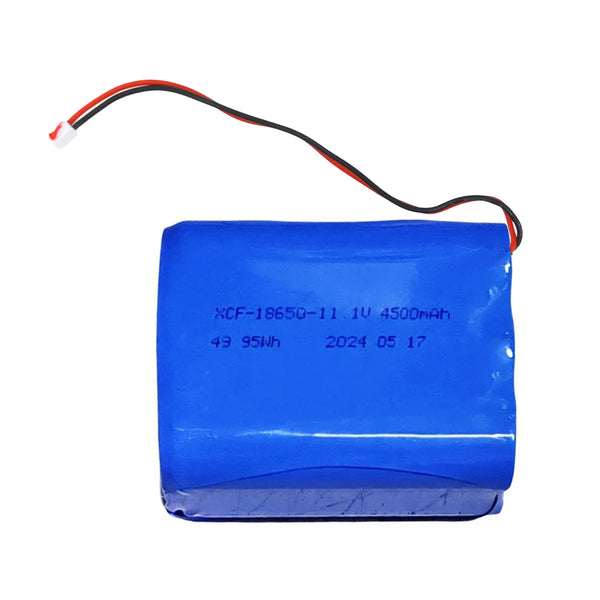
Preparation: Fully charge the battery (voltage should be above 10.6V for stable operation). Clean the lens with a soft cloth.
-
Insertion: Feed the cable slowly at approximately 1 foot per 3 seconds. Stand next to the drain opening to prevent kinking.
-
Resistance: If you feel resistance, never force it. Gently twist or pull back slightly and try again.
-
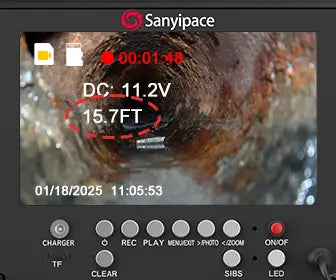
Recording: Use the DVR function to record findings. Use the "Meter Counter" (F7 to reset) to mark the exact distance of the defect from the cleanout.
-
Retraction and Sanitization: Pull the camera out slowly. Immediately clean the cable with disinfectant wipes to prevent bacterial spread.
Maintenance and Troubleshooting
-
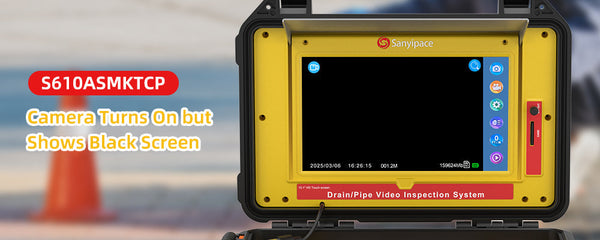
"No Signal" Blue Screen: This is usually caused by a loose connection. Repeatedly tighten the camera head onto the cable to ensure the gold pins make contact.
-
Meter Counter Issues: If the distance reading is inaccurate, clean the encoder wheel of grease or debris. Reset the counter using the F7 key.
-
Battery Care: Do not use the device while charging, as this can degrade the lithium battery lifespan.
For more information on camera malfunctions, please refer to this article, which should provide helpful guidance in resolving the issues you’re currently facing: Top 4 Critical Sewer Camera Problems and Professional Maintenance Tips
Summary

When choosing a sanyipace sewer camera, you can consider the following recommendations based on your specific needs:
-
S5517DC: Ideal for beginners on a budget, perfect for residential indoor pipe inspection.
-
S8951DM: Best suited for users who require high-definition imaging for detailed reporting.
-
S840DSM: Designed for experienced DIY enthusiasts, offering greater convenience for complex main line diagnostics and precise locating.
With these tools, homeowners can shift from reactive emergency repairs to proactive system management, ensuring long-term reliability of their plumbing systems. We hope you soon find the sewer inspection camera that best meets your needs. If you have any questions during the selection process, please feel free to reach out—we’re here to help.
FAQ

1. Can I Use the Camera Head to Break a Clog?
No. The camera is solely a detection tool. Using it as a "battering ram" to clear a blockage will likely shatter the sapphire lens and is not covered under warranty.
2. Are the Camera Heads Interchangeable Between Models?
Generally, no. Camera heads are model-specific and should not be swapped unless the manufacturer has confirmed compatibility.
3. How Do I Export the Video to My Computer?
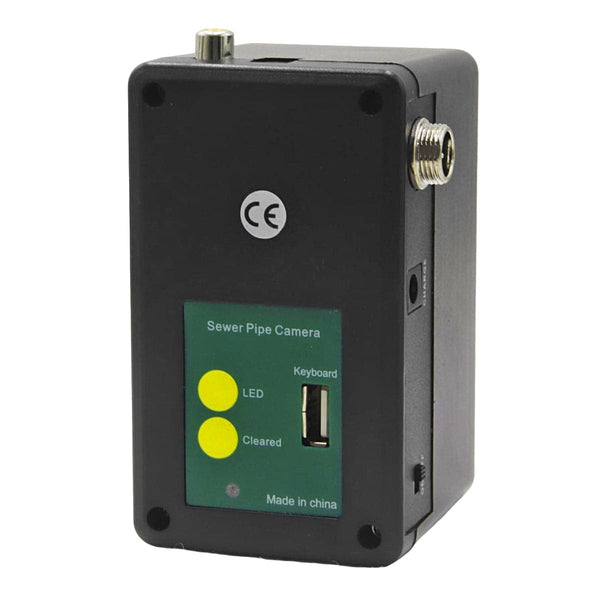
The most reliable method is to remove the SD/TF card from the control box and use a card reader on your PC or Mac.
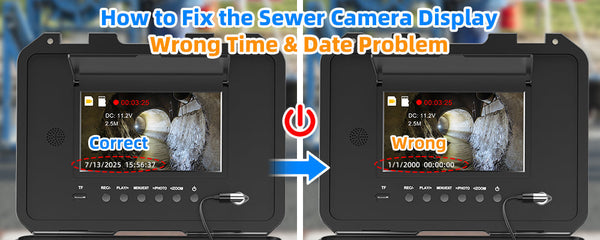
4. What Should I Do if My Date and Time Settings Keep Resetting?
This is likely due to a low internal coin battery (RTC). Leave the unit powered on (standby mode) for 4 to 5 hours after a full charge to recharge the internal memory battery.
Related reading: Best sewer cameras 2026


Leave a comment