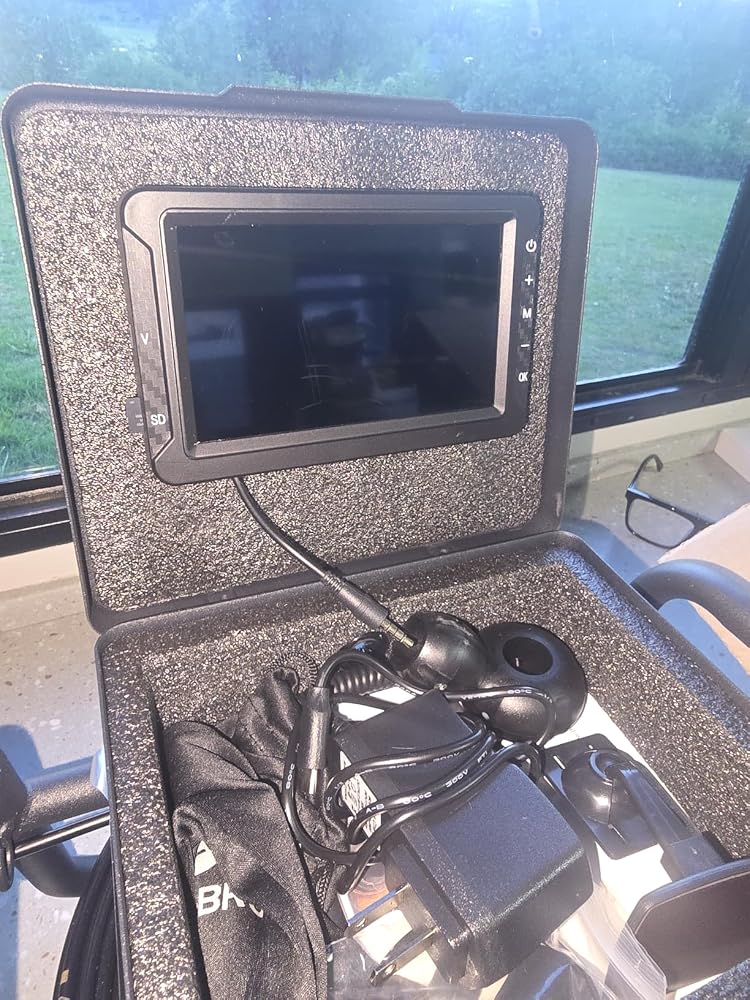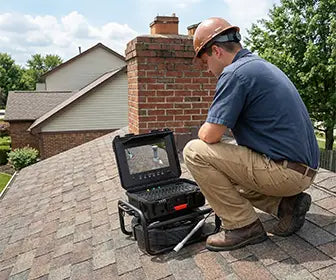
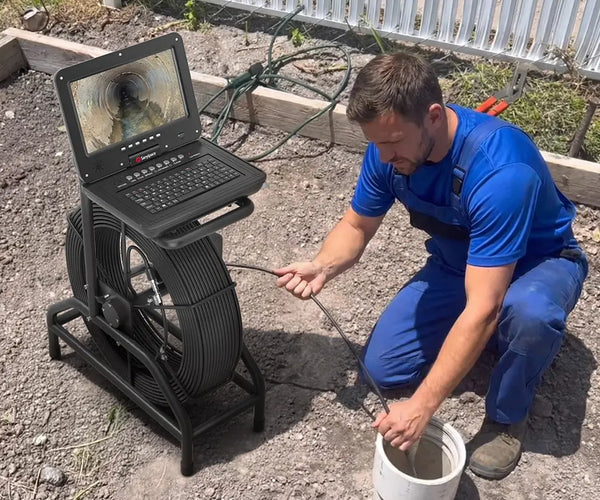
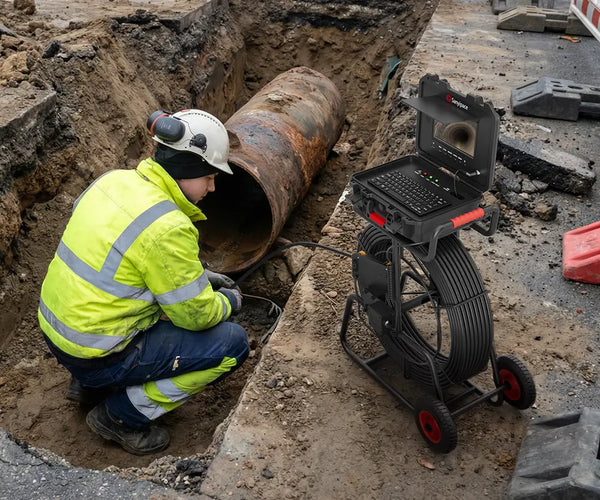



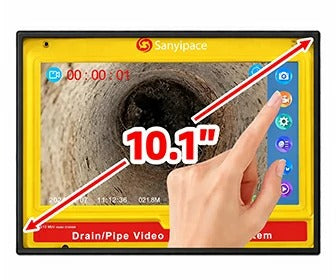











Display Operation
- Turn On
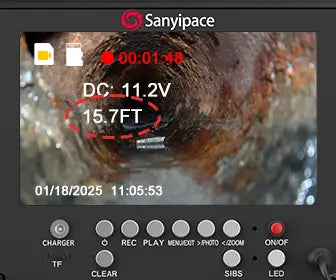
Connect all the device cables, then press and hold the power button for 3 seconds to start the system.
- Turn Off
Press and hold the power button for 3 seconds to shut down the device.
- Take Screenshot
Short press the OK button to capture a screenshot.
- Recording
Press and hold the OK button to start recording, and press and hold it again to stop recording.
- Increase brightness/volume
Short press the "+" button to increase LED brightness when shooting, or adjust the volume during video playback.
- Decrease brightness/volume
Short press the "–" button to decrease LED brightness when shooting, or adjust the volume during video playback.
- Playback
Press the M button to enter the menu. Use the "+" or "–"buttons to select "Playback," then press OK. Use the "+" or "–"buttons to switch between videos and photos, press OK to open. Press "+" or "–"again to browse the previous or next file.
- Delete Video/Photo
While browsing videos or photos, press the M button to enter the menu. Use the "+" or "–"buttons to select "Delete," press OK to confirm. Choose to delete the current file or delete all files.
- Return to Recording
While browsing videos or photos, press the M button to enter the menu. Use the "+" or "–"buttons to select "Record", then press OK to confirm and return to recording mode.
- Set Video Duration
The recorded video will be divided into fixed-length videos and stored in the memory card, and the default length is 3 minutes. You can adjust it up to 5 minutes. Press the M button to enter the menu. Use the "+" or "–"buttons to select "Loop Recording," then press OK to enter the settings page. You can turn off loop recording or set the duration to 1, 2, 3, or 5 minutes. Press OK to confirm and apply the settings.
- Set Time
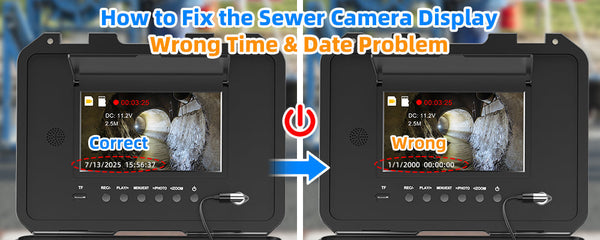
Short press the M button twice to enter the settings menu. Use the "+" or "–" buttons to select "Time Setup," then press OK. Use "+" or "–" to adjust each number, and press OK to confirm and move to the next field.
- Adjust Button Sound Volume
To adjust the volume of the button sounds, go to the album and play any video. While the video is playing, press the "+" or "–" buttons to increase or decrease the sound level.