







Drain Camera Rental: Is It Really Worth It?
Renting a drain camera can be worth it when you need one straightforward inspection, have a usable access point, and can get equipment that matches the pipe. It is less likely to pay off when the line is completely blocked, the route has tight bends, the problem must be located precisely from above ground, or the findings will determine a major repair.
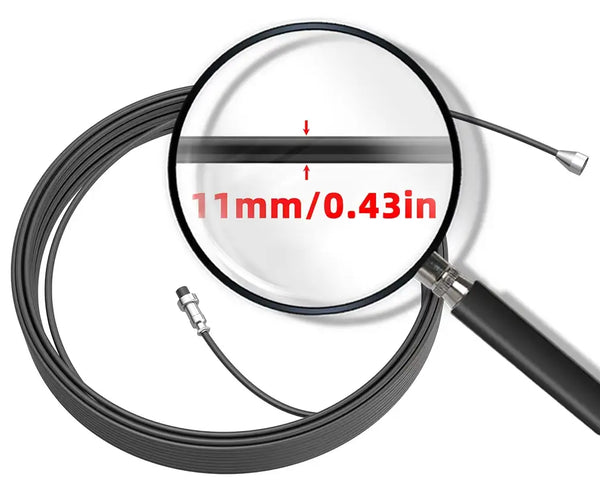
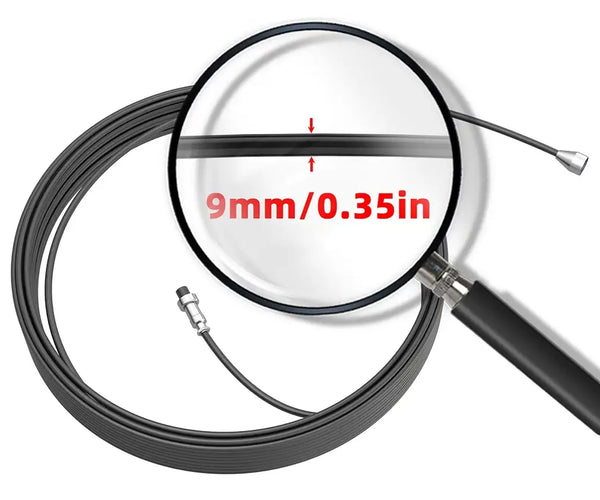
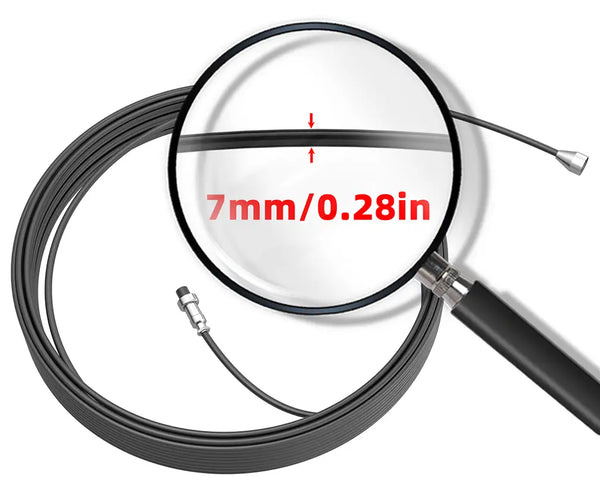
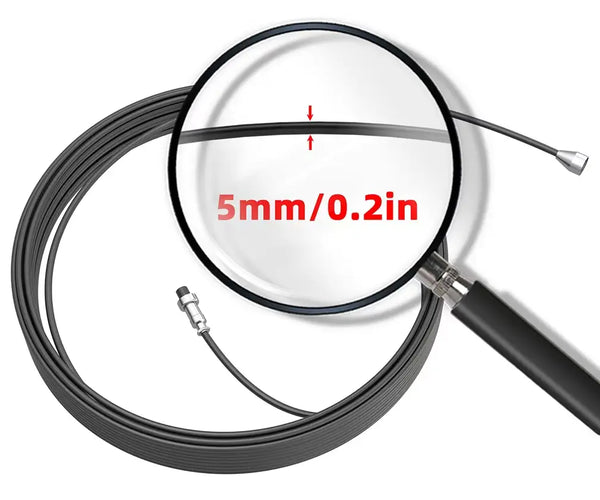
The rental fee is only part of the decision. The quality of the result also depends on camera-head size, push-cable length and stiffness, recording and locating features, pipe access, and your ability to interpret what appears on the screen. A rental can show you valuable evidence, but it does not automatically provide a diagnosis - and it cannot remove a clog.
This guide focuses on the practical question behind the price: will a rented camera give you useful information for this particular job?
Why Rent a Drain Camera?

1. Lower Upfront Cost for a One-Time Inspection
The strongest reason to rent is simple: you need specialized equipment for a short period and do not expect to use it again soon. Instead of paying the full purchase price, you pay for a day, weekend, or week of access. For a clear, limited task, that can be the most economical route.
2. See Inside the Pipe Without Immediate Excavation
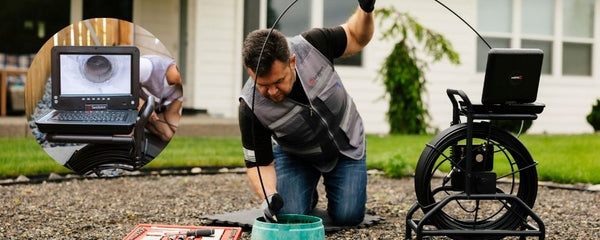
A drain camera can help you look for an obstruction, a damaged section of pipe, root intrusion, heavy buildup, or a change in pipe condition before anyone opens a wall or digs. The footage can narrow the next step and reduce guesswork. However, the image is only as useful as the camera's reach and visibility allow.
3. Test the Tool Before You Buy
If you are considering ownership, a rental can show you how a particular head size, cable, monitor, and reel feel in real use. This is especially useful for maintenance teams or contractors comparing systems. Pay attention to how easily the cable advances, whether the image stays readable, and whether the included features match your typical jobs.
4. Access Specialized Equipment for a Short Project
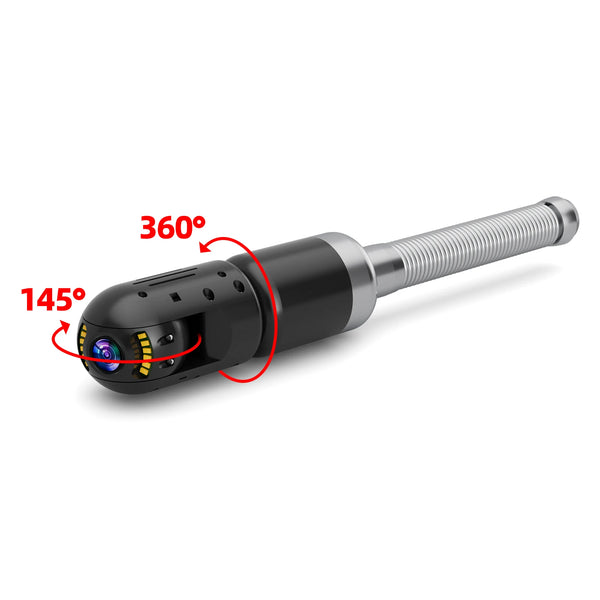
Some inspections need a longer reel, a self-leveling head, onboard recording, a sonde, or a compatible locator. Renting can give you temporary access to those features without requiring you to own and store the system. Confirm the exact package in advance because accessories that appear essential may be separate rentals.
What a Drain Camera Rental May Include?

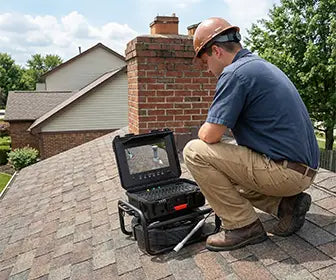
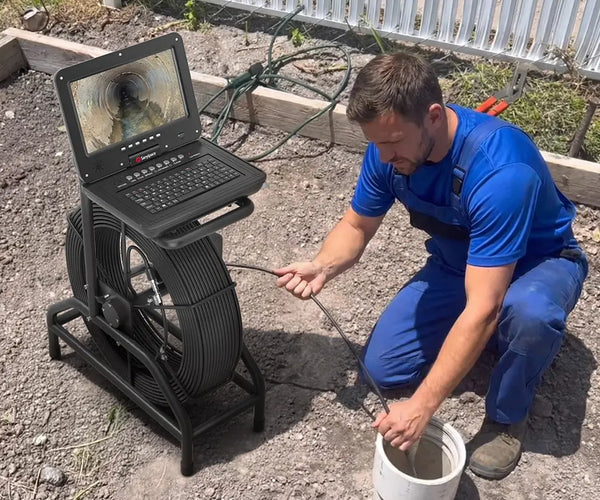
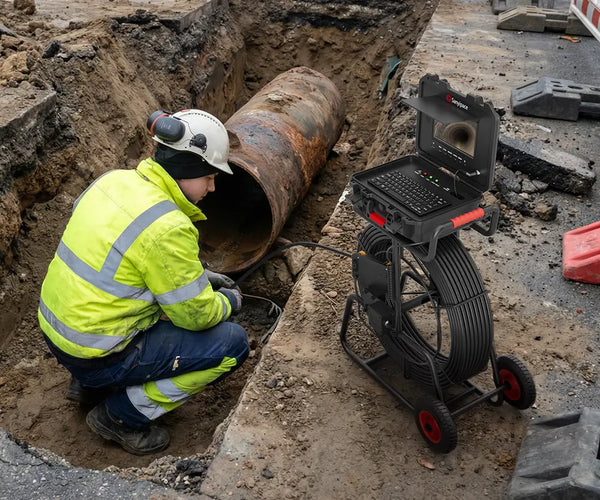
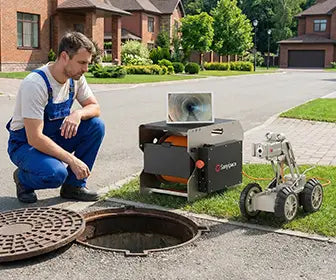
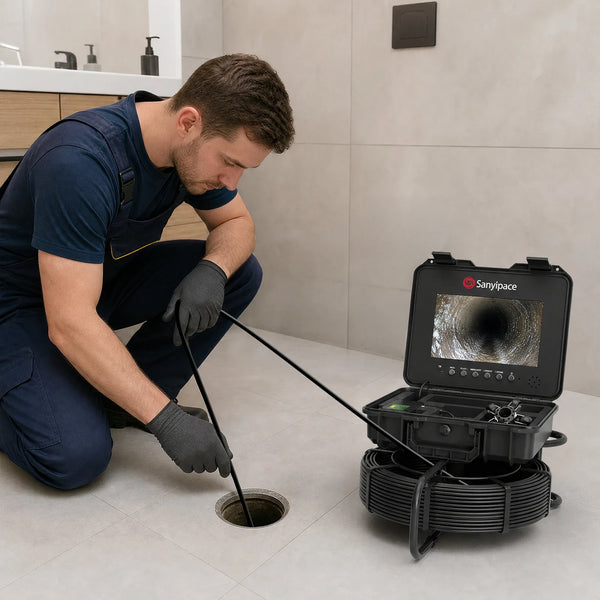
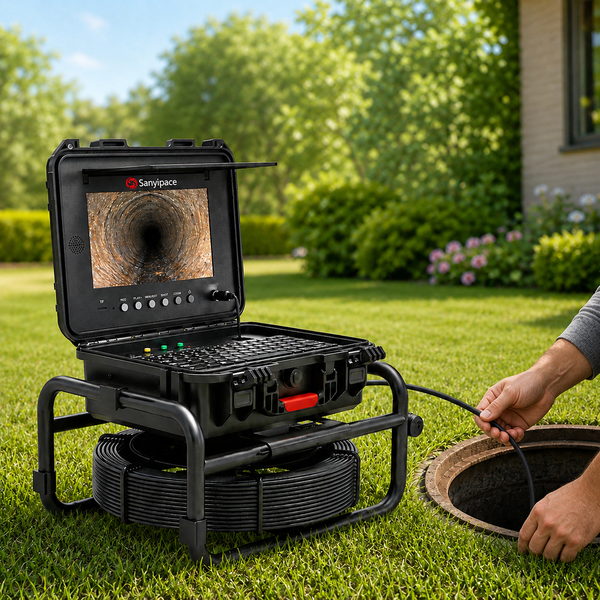
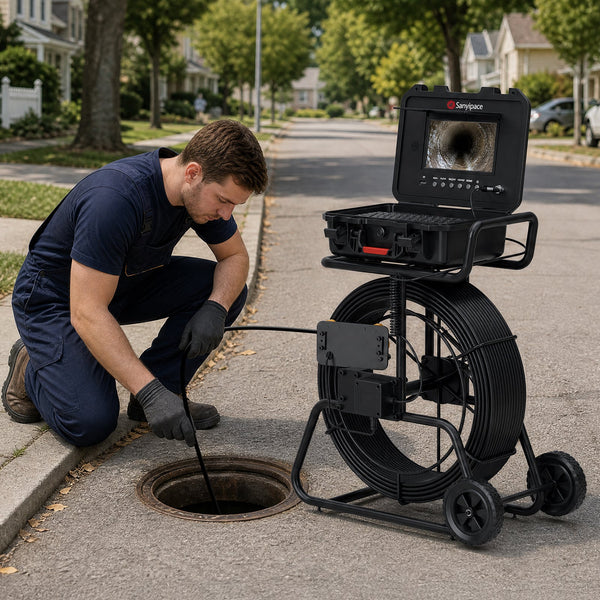
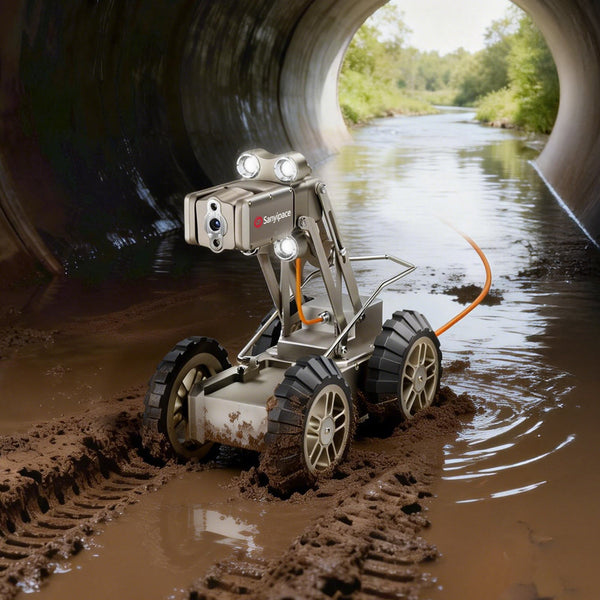
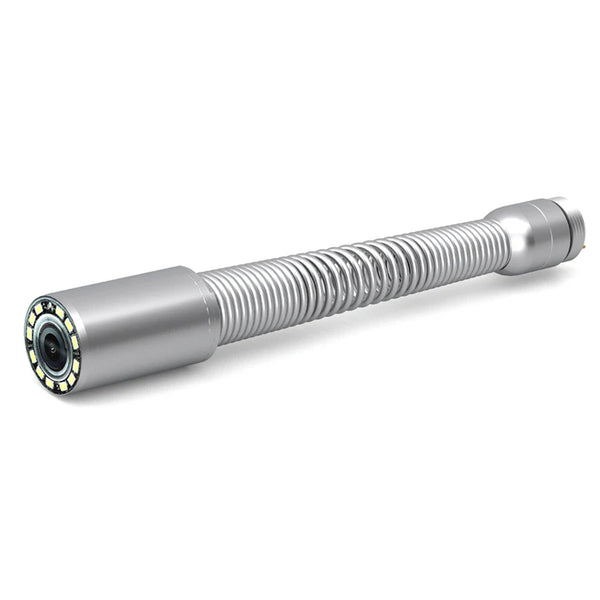
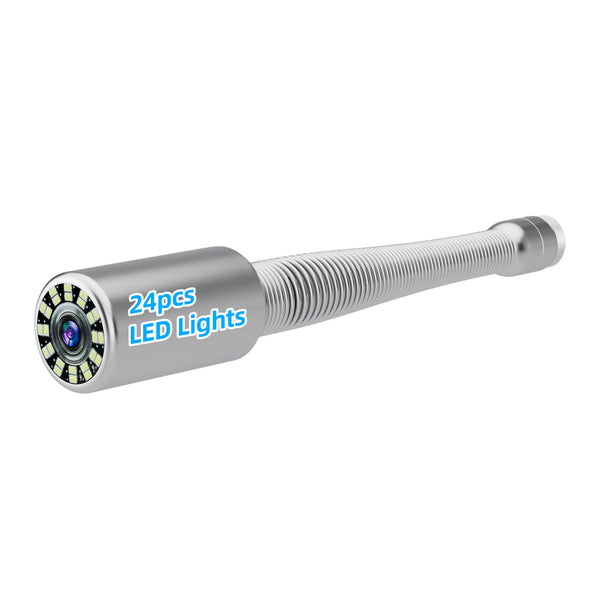
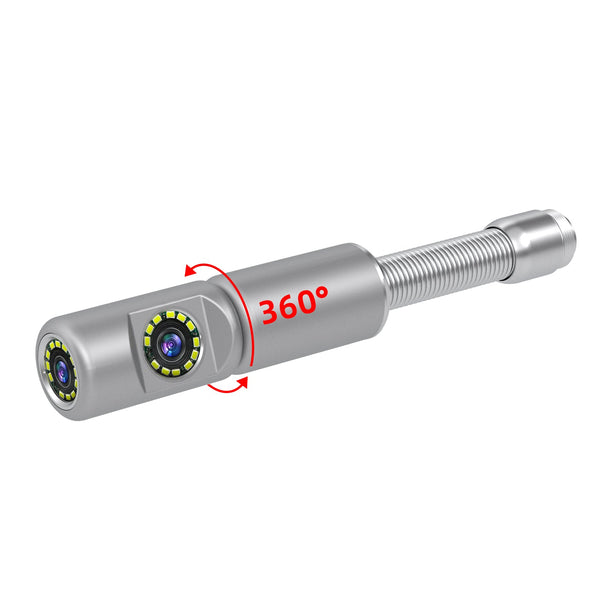
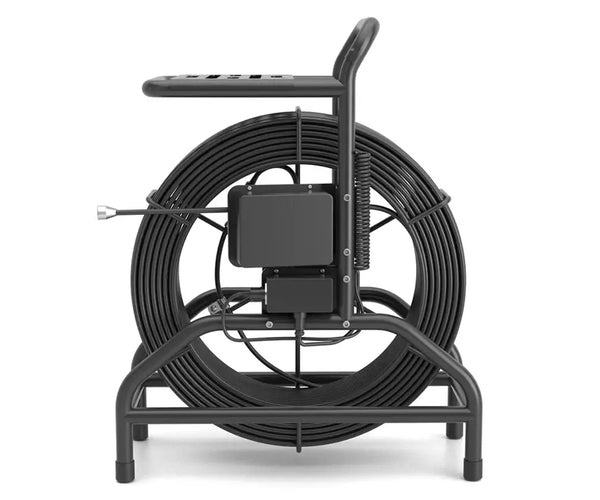
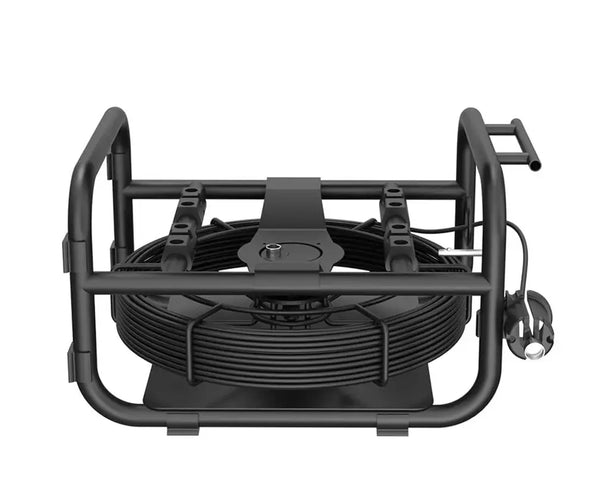
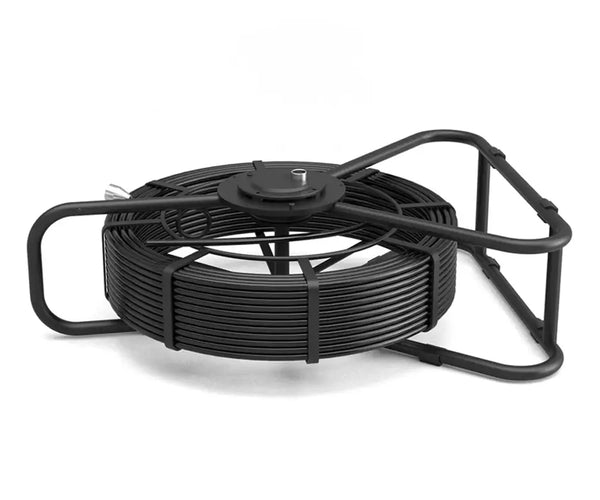
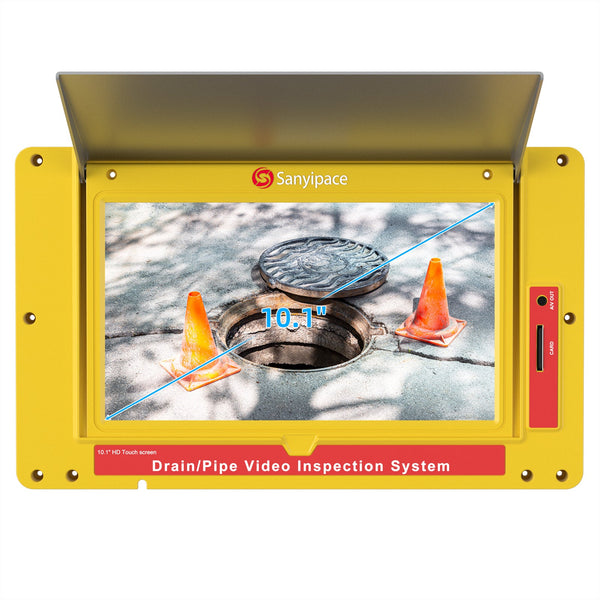
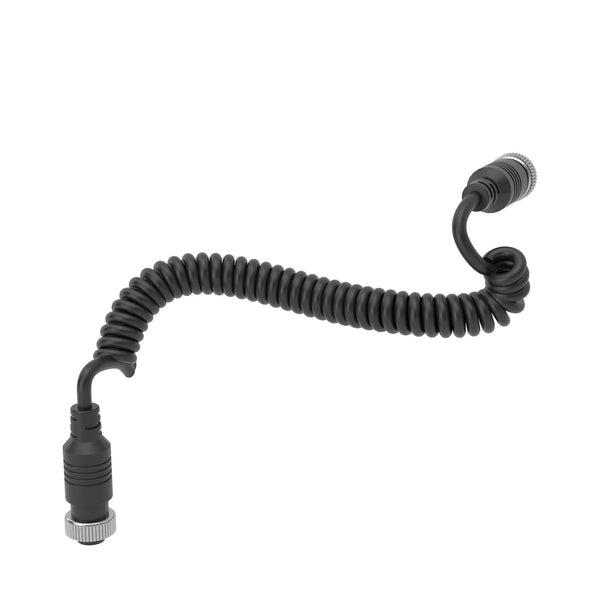
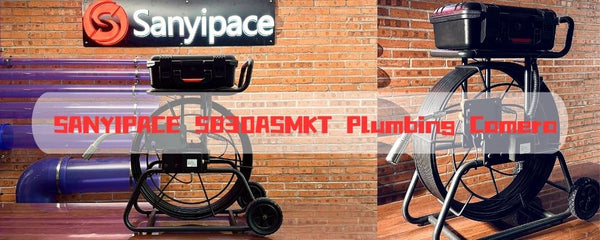
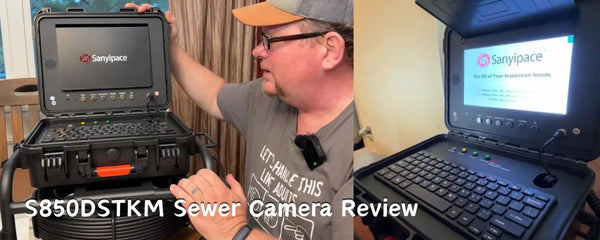
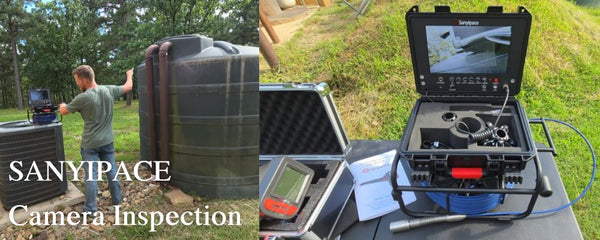
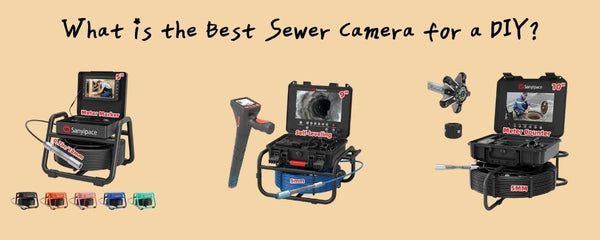
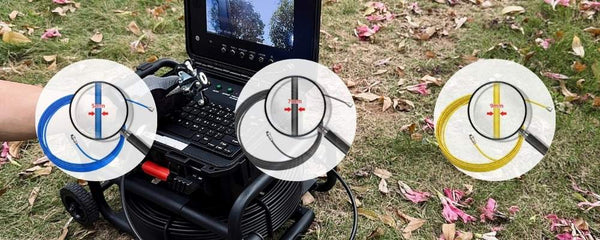
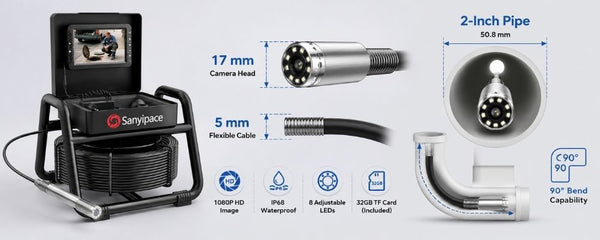
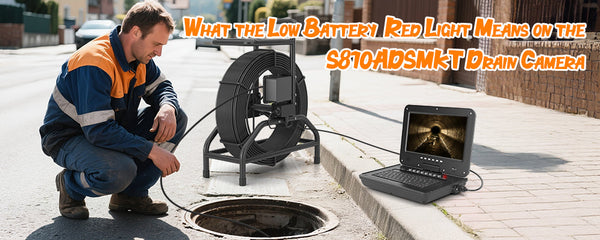
A basic package usually centers on three parts: a camera head, a push cable on a reel, and a monitor. Beyond that, rental packages vary widely. Before reserving a unit, ask what is actually included and test the system at the counter when possible.
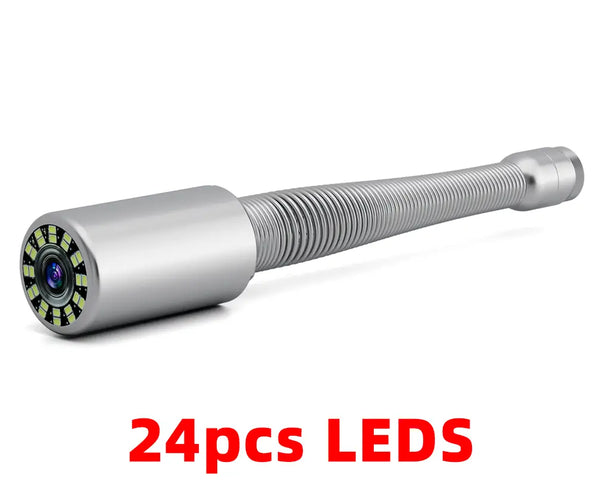
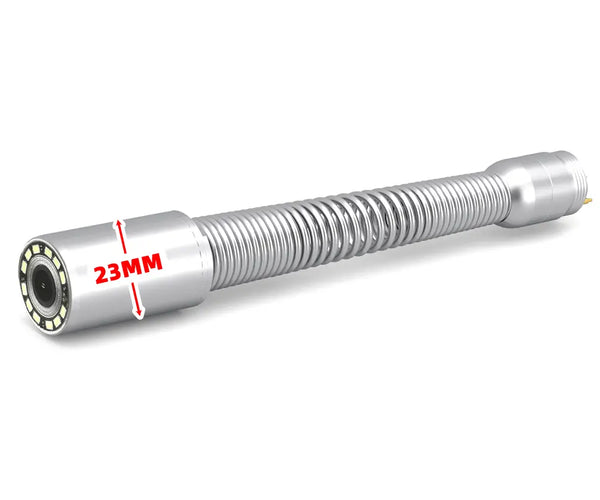
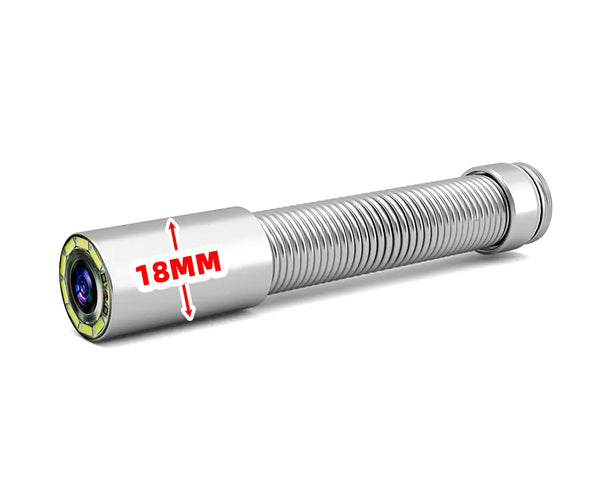
- Camera head and protective skid sized for a particular pipe range
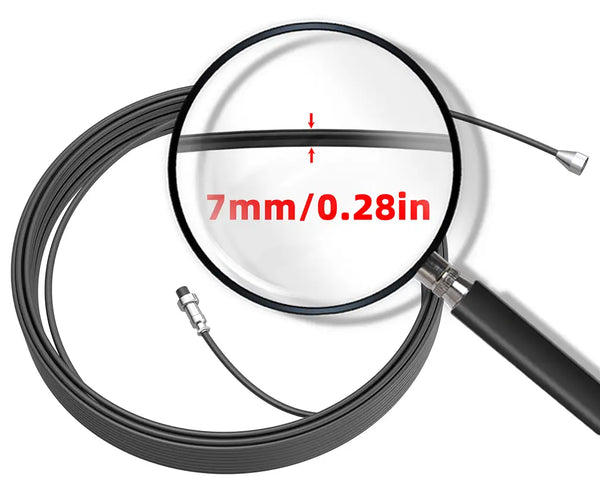
- Push cable with a stated working length
- Monitor with adjustable LED lighting controls
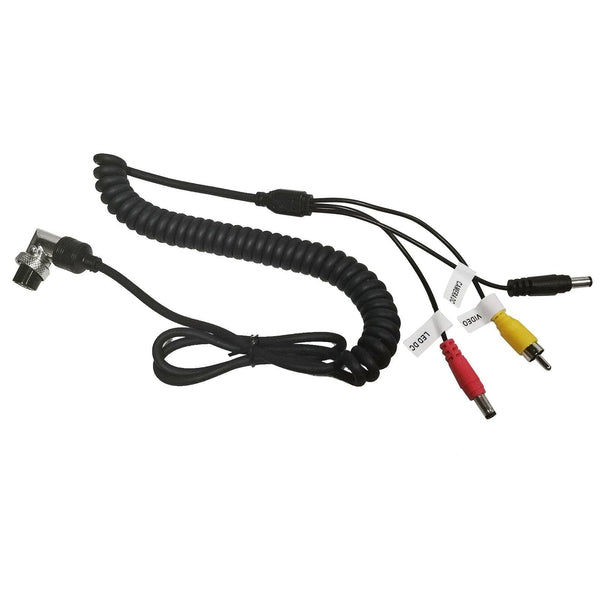
- Battery, charger, or AC power cable
- Video or photo recording and removable storage
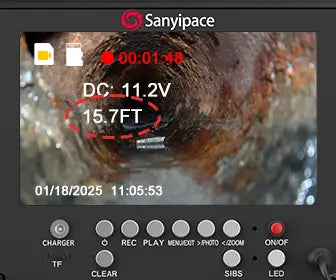
- Distance counter for estimating how far the head has traveled
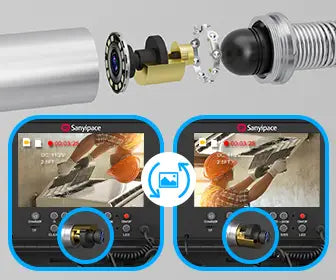
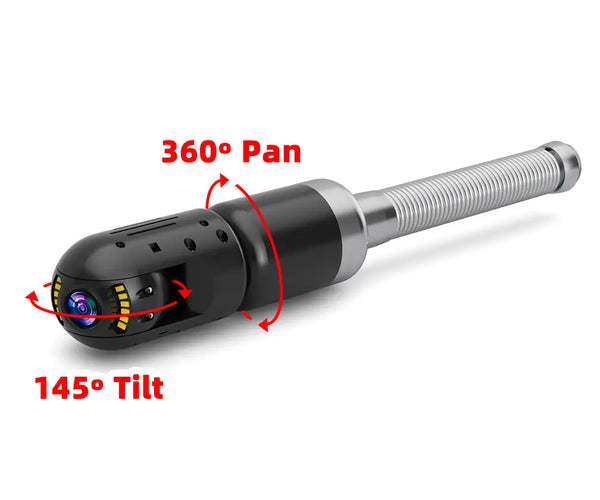
- Self-leveling view that keeps the picture upright
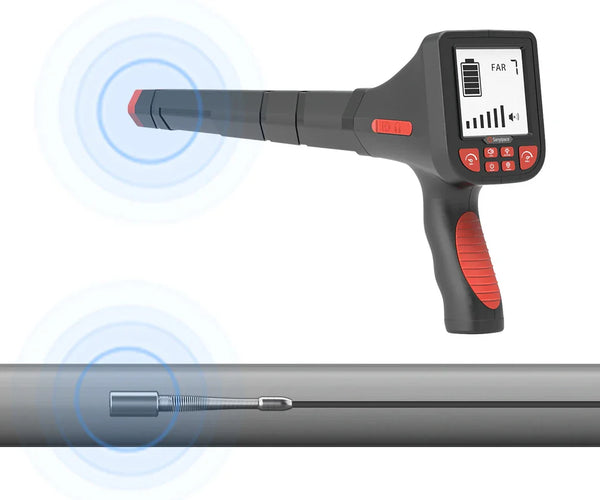
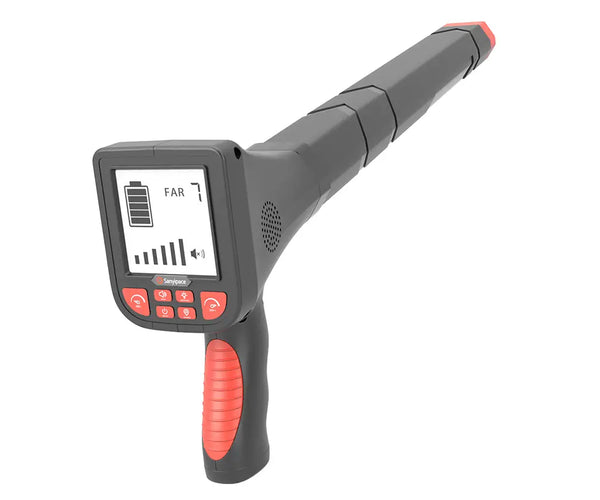
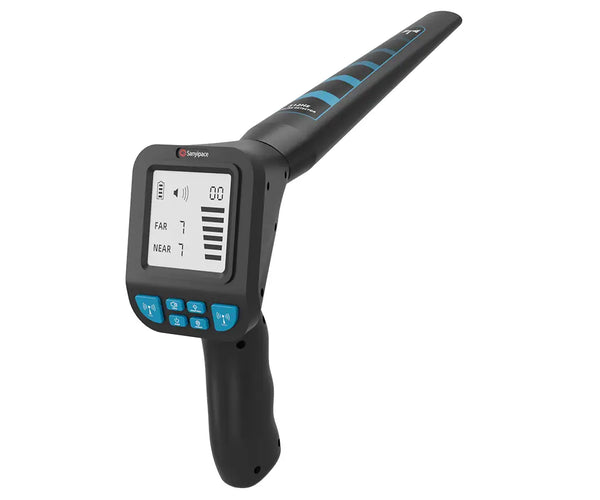
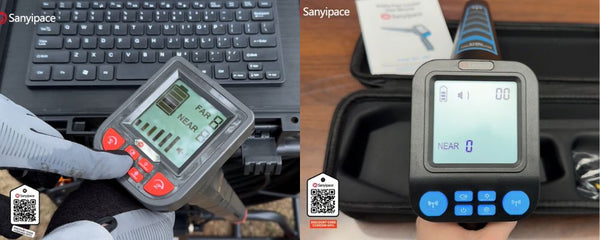
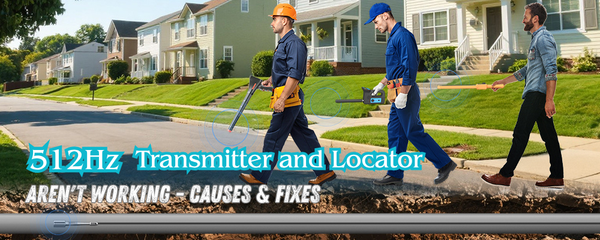
- Sonde transmitter and a compatible above-ground locator
- User instructions, cleaning requirements, and technical support
Do not assume that a locator comes with a camera just because the camera contains a sonde. A rental provider may list or charge for the receiver separately. The same can be true for skids, storage media, extra batteries, or delivery. Before comparing prices, confirm that the camera head and push cable match the pipe, the reel can reach the suspected section through a safe access point, and the package includes locating or recording if you need those results. Otherwise, even a low rental rate may not be good value.
What It Really Costs to Rent a Drain Camera

For a standard drain camera in the United States, a practical starting estimate is about $100 to $200 for one day or $350 to $600 for one week. Larger professional systems with longer reels, recording features, or commercial-grade components can cost roughly $250 to $450 per day and $1,000 or more per week. Local inventory and the exact equipment package can move the price outside these ranges.
|
Rental item |
Typical U.S. range |
What affects the price |
|
Standard camera for one day |
$100 to $200 |
Basic monitor and reel for a straightforward residential inspection |
|
Professional camera for one day |
$250 to $450 |
Longer cable, recording, self-leveling head, or commercial-grade system |
|
Standard camera for one week |
$350 to $600 |
Lower daily rate for a basic system rented for several days |
|
Professional camera for one week |
$1,000 to $1,800 |
Long-reach or higher-spec equipment; published local rates vary widely |
|
Refundable deposit or card hold |
$200 to $500 |
Usually returned if the equipment is clean, complete, and undamaged |
For a one-day DIY inspection, a realistic working budget is usually $150 to $300 before the refundable deposit. If you need a professional 200-foot system, a separate locator, or delivery, the total can reach about $300 to $600. A weekend may be billed as a two-day rental or offered as a package, so it is worth comparing both the daily and weekly rates.
The deposit is not a final expense if the camera is returned on time and without damage. The charges most likely to increase the real cost are a separate locator, delivery and pickup, damage protection, taxes, cleaning, late fees, and an extra rental day if the first inspection is incomplete.
For a fuller price breakdown, see how much it costs to rent a sewer camera. Always ask the local rental provider for a written quote that lists the camera, locator, accessories, deposit, taxes, and return deadline because rates and included equipment vary by market and date.
Can You Get a Useful Inspection Without Professional Experience

Yes. Many rental cameras are straightforward to power on, light, and record. The harder part is producing steady footage and interpreting what it shows. Grease, scale, roots, standing water, debris, reflections, and normal pipe joints can look similar to an inexperienced operator. A single view may not reveal whether a condition is superficial or structural.
Move slowly, keep track of distance, and pause at anything unusual. Record both the trip into the pipe and the return whenever possible. A second view can show details that were hidden by water or debris on the first pass.
Remember that waterproof does not mean the camera can see through opaque water. If the line is full or the water is dirty, the lens may show only what is immediately in front of it. Read more about what a sewer camera can see in standing water.
A drain camera is an inspection tool, not a cleaning tool. If the pipe is packed with debris, the camera may stop at the same obstruction that caused the backup. Cleaning may need to happen before a complete inspection is possible. After cleaning, a second camera pass can confirm whether the line is open and whether a damaged pipe contributed to the blockage.
When Is It Suitable to Rent a Drain Camera?

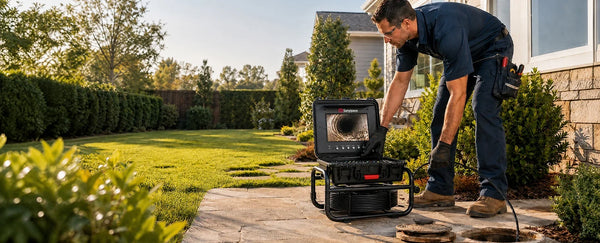
Rent a drain camera when you need one simple inspection, already have a safe access point, and only need clear footage of what is inside the pipe. Renting is the right choice when all or most of these conditions apply:
- This is a one-time job
- A cleanout provides safe, direct access to the line
- You know the pipe size and the approximate inspection distance
- The line is not completely blocked and does not have a series of tight bends
- The camera head, push cable, and reel length match the pipe
- You can operate the unit and save clear footage
- You do not need an exact above-ground location, a formal report, or a professional diagnosis
For example, renting makes sense for a homeowner who wants to confirm a suspected obstruction through an accessible cleanout before scheduling cleaning or repair. It also works for a maintenance team that needs a specialized reel for one planned inspection.
Skip the Rental for Difficult or Repeated Inspections

Do not rent when the job is difficult, the result must support a high-stakes decision, or you expect to use a camera repeatedly. In those situations, hire a professional or buy a drain camera.
- Hire a Professional for Complex or High Stakes Work
- The pipe is completely blocked, so the camera cannot pass the obstruction
- There is no safe, direct cleanout or other suitable access point
- You do not know the pipe diameter, layout, or required camera size
- The route contains traps, sharp turns, or transitions that can catch the camera head
- You need the exact surface location and depth of a defect before excavation
- You need a formal report or an experienced interpretation of the footage
- The inspection affects a property purchase, insurance claim, or major repair
- A mistake or delay could increase property damage or repair costs
Buy a Drain Camera for Recurring Inspections

- You expect to inspect drains several times a year
- You need the camera available without rental scheduling or return deadlines
- Repeated rental charges are approaching the cost of equipment that meets your needs
The decision is simple: rent for one straightforward inspection, hire a professional for difficult or high-stakes work, and buy for repeated use.
Rent, Hire a Professional, or Buy
The best option depends on how often you will inspect, how complex the line is, and how much certainty you need from the result.
|
Option |
Best fit |
Main advantage |
Main limitation |
|
Rent |
One simple, short-term inspection with good access |
Lower upfront cost and no storage or maintenance |
Time limits, equipment availability, and learning curve |
|
Hire a professional |
Complex problems, major decisions, or formal documentation |
Experienced operation, interpretation, and locating |
Higher cost for each visit |
|
Buy |
Recurring inspections, maintenance programs, or frequent jobs |
Immediate access and consistent equipment |
Higher upfront cost and responsibility for care |
If frequency and long-term cost are the deciding factors, compare the tradeoffs in this rental versus purchase guide. The answer often changes once repeat visits, scheduling, and accessory costs are included.
How to Get More Value From a Rental?

1. Confirm the Complete Equipment List
Ask for the exact head diameter, recommended pipe range, cable length, battery runtime, recording method, storage media, sonde frequency, locator availability, and included skids. Confirm what happens if the system does not power on or the recording function fails.
2. Map the Inspection Before Pickup
Identify the cleanout, estimate the distance to the suspected problem, and note the pipe material and likely bends. This helps the rental desk match the equipment and reduces time lost after the rental clock starts.
3. Test Every Function
Before leaving the store, check the monitor, lights, focus, recording, distance counter, battery, and locator if supplied. Make sure the storage card is installed and that you know how to retrieve the files.
4. Document the Inspection
Start with a short video of the access point, then narrate or note the distance as the camera advances. Save the original footage and take still images of significant findings. Good documentation makes it easier to discuss the result with a plumber later.
5. Stop Before the Cable Becomes Stuck
If resistance increases, pull back slightly and reassess. Do not use the push cable like a drain snake. Forcing the head can damage the camera, the cable, or the pipe, and rental agreements commonly make the renter responsible for avoidable damage.
Final Verdict: Is a Drain Camera Rental Worth It
Yes, a drain camera rental can be worth it for a one-time, accessible, and reasonably simple inspection. It gives you temporary access to specialized equipment and may provide enough visual evidence to decide what to do next.
It is not automatically the cheapest or most reliable option. If the line is blocked, difficult to access, or tied to a high-stakes repair, the rental may produce incomplete footage or require a second visit from a professional. When problems recur, or inspections become part of regular maintenance, ownership may be more practical than repeated rentals.
Start with the job, not the equipment: confirm the pipe, access point, distance, features, and level of interpretation you need. If that review shows that repeat access matters, you can compare sewer camera options before deciding whether ownership fits your future inspection needs.

Frequently Asked Questions
1. How Much Does It Cost to Rent a Drain Camera
A standard drain camera typically costs about $100 to $200 per day or $350 to $600 per week in the United States. Professional systems can cost around $250 to $450 per day and $1,000 or more per week. A refundable deposit of roughly $200 to $500 may also be required, while locators, delivery, taxes, and damage coverage can increase the final total.
2. Can a Homeowner Rent a Sewer Camera
In many markets, yes. Equipment rental companies may offer push-camera systems to homeowners as well as contractors. Availability and rental requirements vary, so confirm identification, deposit, transportation, and training requirements before pickup.
3. Does a Drain Camera Rental Include a Locator
Not always. A camera may contain a sonde transmitter while the compatible receiver is rented separately. Confirm that the frequencies match and ask for operating instructions if surface locating is part of the job.
4. Can a Drain Camera Clear a Clog
No. A drain camera is designed to inspect and document the inside of a pipe. Clearing a blockage requires an appropriate cleaning method, such as cabling, cutting, or hydro jetting, chosen for the pipe and the obstruction.
5. Can a Drain Camera See Through Standing Water
A waterproof head can operate in water, but it cannot see through cloudy or opaque water. If the pipe is full, the camera may show only a limited area around the lens. Lowering the water level or cleaning the line may be necessary for a useful view.
6. Is It Cheaper to Rent a Camera or Hire a Plumber
Renting usually has a lower initial price, but it is cheaper only if the equipment matches the line and you can complete and interpret the inspection. A professional service may deliver better value when locating, diagnosis, a written report, or immediate repair planning is required.


Leave a comment